

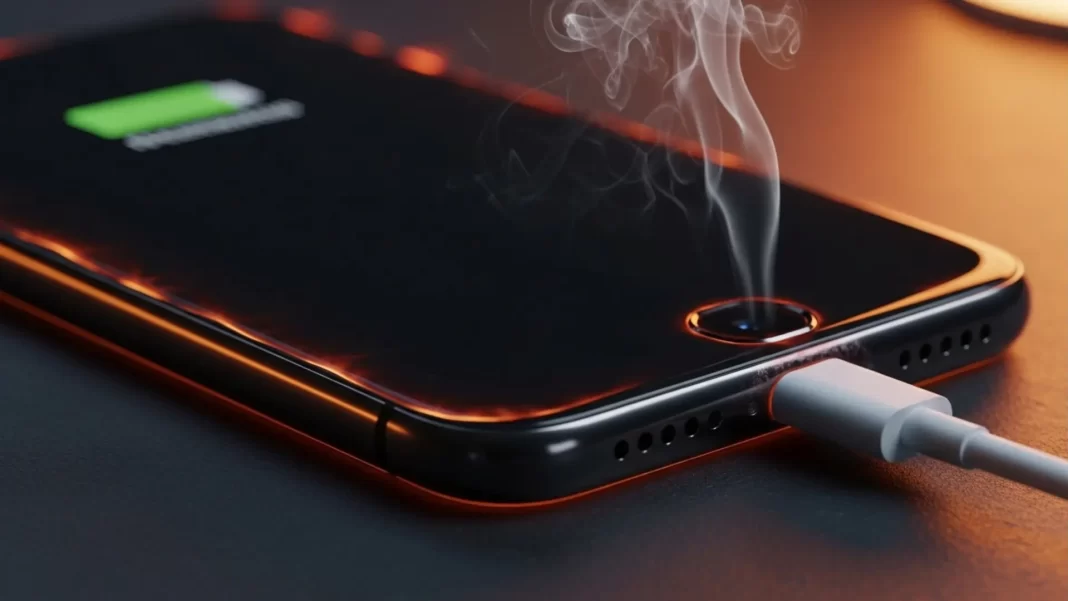
Short answer: what to do right now Unplug the phone, take the case off, and move it to a cool, shaded spot. Stop heavy apps (games, camera, hotspot). Let it cool to the touch before charging again. If you see a temperature or “charging paused” alert, wait until it clears. Don’t put the phone in a fridge or on ice.
60-second cooldown routine
- Unplug. 2) Pop the case off. 3) Place the phone on a hard surface with airflow. 4) Close high-load apps (camera, games, navigation, hotspot). 5) Wait a few minutes, then try a slower charger.
When to stop and get help immediately
Stop charging and seek service if the phone smells burnt, the back is bulging, the port is discolored, or it gets so hot you can’t comfortably hold it even after cooling steps. Repeated “Charging On Hold” or charging that keeps pausing can also point to a hardware issue.
Is heat normal while charging? What’s “too hot”?
Some warmth is normal when current flows into a lithium-ion battery. Your phone will manage heat by slowing down or pausing charging, dimming the screen, or reducing radio speeds. iPhone and Pixel both do this automatically.
Useful numbers
- Phones are designed for ambient 0-35°C (32-95°F). Above that, devices may throttle, pause charging, or show warnings.
- Best-practice charging zone is roughly 10-30°C (50-86°F). Colder or hotter conditions can stress cells or slow charge logic.
Why fast and wireless charging add heat
Fast charging pushes more power. Wireless charging wastes some energy as heat in the coils and phone. Most phones respond by ramping down if temperatures climb. Samsung notes wireless and fast charging can feel warmer, and Google lists “charging while using the phone” as a heat trigger.
Quick fixes you can try in minutes
1) Use a known-good, certified charger and a thicker cable
Grab the OEM brick or a USB-IF/USB-PD certified charger in the 20–30W range. Swap out thin or damaged cables; high resistance in a cheap cable turns into heat. If heat disappears with a different charger/cable, you’ve found the culprit.
2) Charge on a hard, ventilated surface
Beds, sofas, and pillows trap heat. Tabletop or a stand is better. Newsrooms and safety bodies warn against charging near combustible materials.
3) Remove thick or rugged cases while charging
Cases insulate. Taking them off helps airflow and can drop surface temperature a surprising amount. (Samsung and Google both suggest giving your phone breathing room.)
4) Avoid fast or wireless charging when the room is hot
If it’s a hot afternoon or the phone already feels warm, switch to standard wired charging. Fast/wireless charging can wait until evening. Consumer guides and OEM support align on this.
5) Don’t use the phone while charging
Streaming, gaming, or tethering during charging piles on heat. Let it rest while it tops up. Google lists “using heavy features while charging” as a heat trigger.
6) Lower screen brightness and turn off 5G if you can
The display and high-throughput radios are heat engines. Drop brightness and prefer Wi-Fi over cellular during charging. Pixel Help suggests exactly this.
7) Clean the charging port; check for moisture
Lint in the USB-C port increases resistance and heat. Use a burst of compressed air. If your phone shows a moisture alert, dry it fully before charging. Samsung explicitly warns about wet connectors.
8) Keep it off the dashboard and out of the sun
Ambient heat matters. Cars and windowsills can exceed the safe range, pushing phones into warnings and paused charging. Apple and AP both call this out.
Deeper fixes for repeat overheating
Find rogue apps with Battery stats/diagnostics
Open Battery usage. Look for apps with long “active” time or high foreground drain. Uninstall or limit them. Pixels also include Battery diagnostics to flag issues and can limit performance when hot.
Use adaptive/optimized charging
iPhone’s Optimized Battery Charging and Android’s adaptive options slow or pause charging near 80–85% and at higher temps to protect the battery. Let the phone manage tempo rather than forcing 0–100 every session. Apple documents slow/paused charging behavior and “Charging On Hold.”
Update the system and apps
Vendors ship thermal and power fixes in updates. Bugs can cause runaway background work or poor thermal behavior. Several support pages and reputable outlets recommend staying current.
Prefer cooler charge windows
If your climate is hot, charge in the morning or evening. Battery University’s best-practice temp band is 10-30°C, which often matches cooler indoor times.
Consider a slower brick at your desk
A 10-15W brick or a “charging limit” feature (where available) can trim heat for everyday top-ups. Save 30-60W “super fast” bricks for when you’re in a rush.
When to replace the cable, charger, or battery
- The charger gets unusually hot or whines. Replace it.
- The cable sheath is nicked, or connectors wobble. Replace it.
- Battery health is low or charging constantly pauses even in cool rooms. Visit service. Apple and Google both say the phone will slow/stop charging to protect itself, and persistent warnings merit support.
Troubleshooting tables
Table 1. Symptoms → likely causes → fixes
| Symptom | Likely cause | Quick fix |
|---|---|---|
| Warm to the touch, still charging | Normal heat, fast/wireless charging, bright screen | Use standard wired charging, lower brightness, remove case |
| Hot + charging slows/pauses | System heat protection, hot room, heavy apps | Unplug, cool down, stop heavy apps, move to shade; retry later |
| Port or brick gets very hot | Bad cable/charger, lint, moisture | Swap OEM charger/cable, clean port, ensure connector is dry |
| Heat while idle on charger | Rogue app, background sync/restore | Check Battery stats; update or uninstall; reboot |
| Repeated “Charging On Hold” | Ambient heat above safe range | Charge later indoors; avoid sun/car; use slower brick |
| Hissing/bulge/smell | Battery damage | Stop using and seek service |
Table 2. Heat trade-offs by charging type
| Charging type | Typical heat | Notes |
|---|---|---|
| Standard wired (5–15W) | Low | Best for hot rooms; gentle overnight top-ups |
| Fast wired (20W+) | Medium–High | Faster but warmer; avoid when the phone already feels hot |
| Wireless Qi/Qi2 | Medium–High | Less efficient; can feel warmer; great convenience, not ideal in heat |
Safety notes and when to see a technician
- Ambient 0–35°C is the design target. Storage to 45°C. Anything hotter can trigger throttling or warnings.
- Do not force cooling with a freezer or chilled pack. Condensation can cause damage.
- If you see repeated high-temp alerts, or the device stays hot even with a known-good charger in a cool room, contact support. Google and Samsung both suggest support if heat persists.
Mini case studies
Case 1: The “bad cable” mystery
A Pixel 7 got hot charging with a thin cable and a third-party 65W brick. Swapping to the OEM 30W PD brick plus a certified 60W cable solved it. The old cable’s higher resistance was the silent heater.
Case 2: Wireless charging in a hot car
An iPhone on a dashboard Mag mount hit a temperature warning and paused charging. Moving it to an air-vent mount and switching to wired charging fixed the midday heat spikes.
Case 3: Background restore
A phone “overheated while charging overnight.” Battery stats showed cloud restore pulling data for hours. The next night, restore finished first, then charging stayed cool.
FAQs
Is it normal for a phone to get warm while charging?
Yes. Some warmth is expected. Phones slow or pause charging if temps rise too much.
What temperature is too hot for charging?
Manufacturers design for about 0-35°C ambient. Many phones will slow or pause charging beyond that to protect the battery.
Should I remove the case while charging?
If your phone runs warm, try it. Thick or rugged cases can trap heat.
Is fast charging bad for the battery?
It’s fine in normal conditions. During heat waves or gaming sessions, use standard wired charging to keep temps down.
Does wireless charging create more heat than wired?
Often yes, because it’s less efficient. If it’s a hot day, prefer wired.
Can a cheap charger or cable cause overheating?
Yes. Poor regulation or high resistance cables can add heat. Use certified chargers and quality cables.
Why does my phone overheat when I’m not using it but it’s charging?
A background task may be running (restore, sync, updates). Check Battery usage and pause heavy activity.
Is it safe to cool a hot phone in the fridge?
No. Rapid cooling can cause condensation and damage.
What is “Charging On Hold”?
Your iPhone pauses charging until it returns to a normal temperature to protect the battery.
When should I replace the battery?
If heat issues persist in cool rooms with known-good chargers, or battery health has dropped significantly, check with support.
Warm is normal. Hot isn’t. If it’s too hot, unplug, remove the case, move to shade, and wait. Use a certified charger and cable, charge on a hard surface, avoid fast/wireless charging in hot rooms, and don’t game while charging. If warnings persist, get support.
Printable checklist
- Unplug → case off → cool surface
- Close heavy apps; lower brightness
- Swap charger/cable; clean port
- Prefer standard wired in heat
- Charge in 20–30°C rooms if possible
- If warnings repeat, contact support
Featured Snippet(Q →A)
- How do I fix phone overheating while charging?
Unplug, remove the case, and move to a cool, ventilated spot. Stop heavy apps like games, camera, and hotspot, then retry with a standard wired charger and a known-good cable. Avoid wireless or fast charging until the phone feels cool. - What temperature is safe for charging?
Most phones are designed for ambient 0-35°C, and best practice charging is in the 10-30°C range. Beyond that, phones may slow or pause charging to protect the battery. - Is it normal for phones to get hot on wireless charging?
Some warmth is normal. Wireless charging is less efficient and can feel warmer. If it’s already hot, switch to standard wired charging. - Should I use fast charging when it’s hot?
Use standard charging during heat waves or if the phone already feels warm. Fast charging adds power-and heat. Phones may slow charging anyway to protect themselves. - Can a bad cable cause overheating?
Yes. Damaged or thin cables increase resistance and heat. Replace with a quality, certified cable.
Source: Samsung | Google Support | Apple Support

