Quick Brief
- Genius Browse adds AI-style thematic content discovery rows inside the Apple TV app’s Home tab
- A new Continuous Audio Connection option eliminates Dolby Atmos pops, drops, and volume fluctuations on external soundbars and receivers
- A long-standing spatial music playback bug in the Music app, reported since 2021, is fixed in tvOS 26.4
- iTunes Movies and iTunes TV Shows apps are permanently removed once you install tvOS 26.4
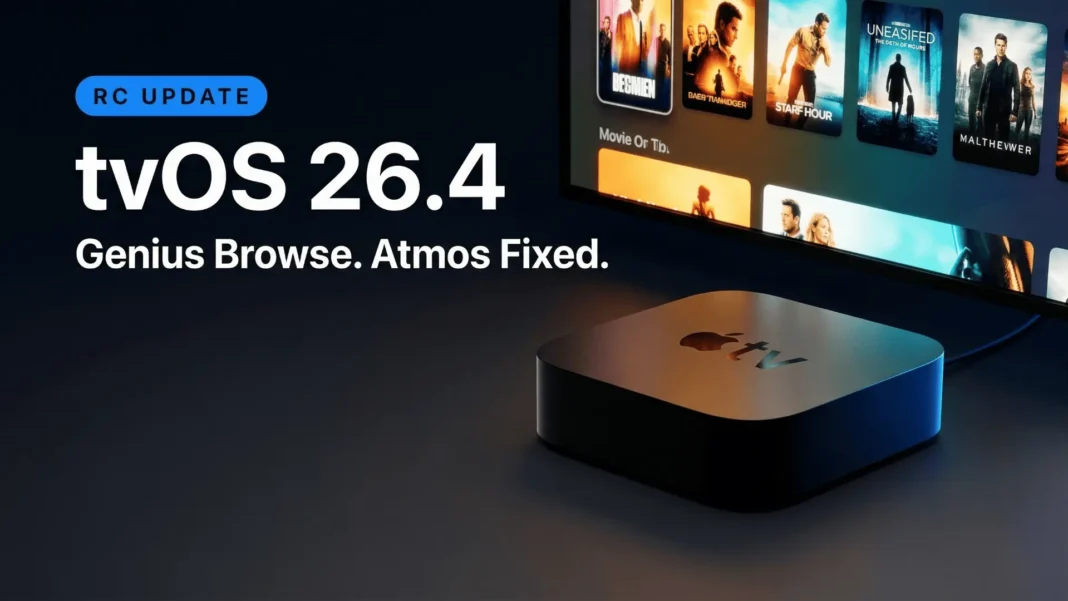
Apple just addressed one of the most quietly persistent problems on Apple TV 4K and buried it inside an update most users will treat as routine. tvOS 26.4 RC (build 23L240) delivers four verified changes that reshape content discovery, audio stability, music playback, and home screen organization. Every change targets something users have waited months, or in one case years, to see fixed.
Genius Browse: A Smarter Way to Find What to Watch
Streaming fatigue is real. Hundreds of titles, zero direction. tvOS 26.4 directly addresses this with Genius Browse, a new feature inside the Apple TV app’s Home tab.
The feature presents curated category rows when you navigate the Home tab. Confirmed category names include “Daring Fantasy Adventures,” “Clever Capers,” “Thrilling Sports Stories,” “Good for Date Night,” “Based on a Book,” and “Action-Packed Sci-Fi.”
Selecting a category gives you a list of recommended titles. As you navigate each title, a new row of related recommendations appears directly beneath it, including actors and directors connected to that title. This layered discovery chain continues indefinitely, giving you a natural browsing path rather than a fixed list.
You can personalize Genius Browse by user profile, filter by genre, and switch between TV shows, movies, or both. The name revives Apple’s “Genius” branding, which originated in iTunes for music playlist generation and remains active in the Music app on macOS Tahoe today.
Since the Apple TV app aggregates content from third-party services, Genius Browse pulls titles from Apple TV+, HBO Max, Prime Video, Peacock, Disney+, and others integrated within the app. Netflix, which operates outside the Apple TV app ecosystem, is not included.
Apple has not disclosed what technology powers the Genius Browse recommendations.
What this means for you: If you regularly spend time deciding what to watch, Genius Browse provides a structured and personalized starting point that did not exist before this update.

Dolby Atmos Audio Fix: No More Pops, Drops, or Fluctuations
Users running Apple TV 4K with external soundbars or receivers, including Sonos soundbars, have experienced audio getting cut off, odd volume fluctuations, and pops. This occurred when the system switched between different audio mixes.
tvOS 26.4 adds a new persistent HDMI audio connection option for Dolby Atmos playback. It uses Dolby MAT (Dolby Atmos Metadata-enhanced Audio Transmission), which keeps a constant audio stream to your connected soundbar or receiver. The result is no more pops, drops, or audio fluctuations during content playback.
To enable it, go to Settings on your Apple TV, then Video and Audio, then Audio Format. The option only appears if you have an Atmos-capable HDMI audio device connected.
What this means for you: Anyone with a Sonos soundbar, an AV receiver, or any HDMI-connected Atmos audio device will notice an immediate improvement in audio stability after this update.
Spatial Music Bug Fixed: A Problem Five Years in the Making
Separate from the Dolby Atmos fix, tvOS 26.4 also resolves a long-standing bug in the Music app. When playing spatial music, the beginning of audio tracks would get cut off.
User reports of this issue trace back to 2021 on Reddit, making this a five-year-old bug that Apple has now addressed. The fix applies specifically to spatial music playback in the Music app on Apple TV, not to general Dolby Atmos content.
What this means for you: If you use Apple TV 4K as part of your music listening setup, spatial tracks will now play cleanly from the first second.
iTunes Store Apps Removed: The Legacy Cleanup Is Complete
tvOS 26.4 permanently removes the iTunes Movies and iTunes TV Shows apps from Apple TV. These apps had functioned as dedicated storefronts for ages, but Apple has been directing users toward the unified Apple TV app for some time now.
Once you install tvOS 26.4, those apps are gone completely. In practice, this means any home screen folder containing those apps will lose those entries after the update. The App Store will remain.
Your purchased movies and TV shows are not affected. All purchased and rented content remains accessible through the Apple TV app under your library.
What this means for you: The home screen loses two non-functional legacy icons. The Apple TV app is now the single hub for all video content on the platform.
tvOS 26.4 vs tvOS 26.3: What Changes
| Feature | tvOS 26.3 | tvOS 26.4 |
|---|---|---|
| Content Discovery | Standard rows in TV app Home tab | Genius Browse with layered, personalized recommendations |
| Dolby Atmos Stability | Audio pops and drops on external speakers | Persistent HDMI audio via Dolby MAT eliminates interruptions |
| Spatial Music Playback | Beginning of tracks cut off (bug since 2021) | Fixed in Music app |
| iTunes Store Apps | Present on home screen (non-functional) | Permanently removed |
| Build Number | Prior betas | RC 23L240 |