

Essential Points
- Swift Testing now supports direct image attachment for CGImage, UIImage, NSImage, and CIImage in test results, confirmed in official release notes
- Instruments gains a Run Comparison feature and a Top Functions mode for identifying the most expensive functions in a trace
- String Catalog editor adds cut, copy, paste, duplicate, and language removal, resolving long-standing localization friction
- Address Sanitizer and Thread Sanitizer may hang on all Apple OS 26.4 platforms when built with Xcode 26.3 or older; Xcode 26.4 is required
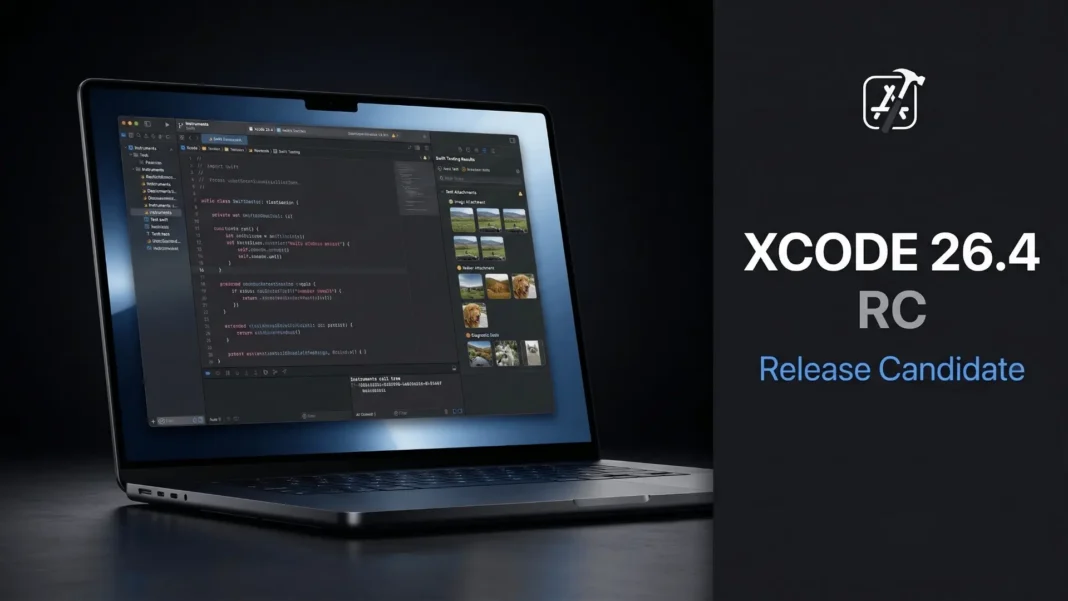
Xcode 26.4 RC landed on March 17, 2026, and it does not waste a single release note on marketing. From Swift Testing getting real visual debugging to Instruments finally gaining run comparison tools, this build closes gaps that development teams have filed feedback on for months. If you profile, test, or localize apps for Apple platforms, specific changes here affect your daily workflow.
Swift Testing Gets Image Attachment and Severity Levels
The most direct testing improvement in Xcode 26.4 RC is image attachment support inside Swift Testing. You can now attach instances of CGImage, NSImage, UIImage, and CIImage directly to test results. This closes a real gap for teams running snapshot tests, Vision framework pipelines, or any UI verification workflow where text-only logs fail to capture what actually broke.
There is one known limitation to note: UIImage instances cannot be attached when testing a Mac Catalyst app. Apple’s documented workaround is to use the UIImage.cgImage property to retrieve the underlying CGImage and attach that instead.
Swift Testing in Xcode 26.4 RC also adds support for specifying a severity level when recording an issue. Warnings, non-critical observations, and hard failures now report separately. Large test suites running on CI no longer produce binary pass/fail outcomes when the failing item does not warrant a full pipeline halt.
UI Test Crash Logs Now Attach Automatically
When an app crashes during a UI test launched via XCUIApplication(bundleIdentifier:) or XCUIApplication(url:), Xcode 26.4 RC reports the crash as a warning and attaches the crash log automatically. This resolves the previous behavior where the failure was silent and required manual investigation through DerivedData folders.
An additional fix addresses cross-framework assertion behavior: when you call an XCTest or Swift Testing assert within a test from the opposite framework, Xcode now surfaces a runtime issue with warning severity if that assertion fails.
Instruments Gains Powerful New Profiling Tools
Instruments receives one of its most substantive upgrades in this release. Xcode 26.4 RC adds a Run Comparison feature that lets you compare call trees across multiple trace runs using View > Detail Area > Compare With, or the swap button in the jump bar. The comparison view shows which functions took more or less time between runs, with call tree filtering operations like “Charge to callers” to focus on regressions.
A new Top Functions mode provides a top-level view of the most expensive functions in a trace regardless of where they are called from. You access it via the rightmost button in the Call Tree navigation bar. This mode is particularly useful for identifying performance regressions quickly without navigating deep call tree hierarchies.
Additional Instruments Improvements
- CPU samples that exceeded the kernel tracing limit are now prefixed with a “Partial Backtrace” label for clarity
- Power Profiler traces captured on a device now break down CPU activity per CPU core
xctrace importnow supports importing multiple files into the same trace document using the--append-runargument- A new “Hide Inlined Functions” option in the Call Tree menu charges inlined function samples to the functions they were inlined into
- Double-clicking a function in the flame graph now correctly opens the source viewer, a bug fix from the previous build
Localization Editing Is Substantially More Complete
String Catalog support receives a cluster of new features in Xcode 26.4 RC. You can now remove languages from the String Catalog editor, choosing between removing the language from a single catalog or from the entire project. When adding a new supported language in the Project Editor, you can now pre-fill your project’s String Catalogs with translations from an existing language.
Cut, copy, paste, and duplicate operations on strings are now fully supported within the String Catalog editor. You can use these within the same catalog file or between catalogs. When pasting a string, you choose between adding it as a new key with all its translations or pasting its translations onto an existing key.
Two additional localization behavior changes are worth noting for existing projects. Strings are no longer extracted from code comments by default; to restore that behavior, set LOCALIZED_STRING_CODE_COMMENTS to YES. A new build setting, BUILD_ONLY_KNOWN_LOCALIZATIONS, limits built localized content to the languages listed in the Project Editor.
Known issue: When removing a language from a String Catalog inside a Swift Package, the language may re-appear. Apple has documented this as an open issue.
C++ and Swift Interoperability Updates
Xcode 26.4 RC implements five C++26 language features via the Apple Clang Compiler, including Structured Bindings as a pack, structured binding declarations as conditions, Variadic Friends, constexpr placement new, and the Oxford variadic comma.
The C++ Standard Library gains significant performance improvements. The std::ranges::{copy, copy_n, move} algorithms are optimized for std::vector::iterator with performance improvements of up to 2000x in specific scenarios. std::stable_sort now uses radix sort for floating-point types, improving performance up to 10x depending on input.
Swift/C++ interoperability adds the ability to initialize a Swift String from a C++ std::wstring and vice versa. You can also now use the SWIFT_COPYABLE_IF(...) macro to import a type as copyable or non-copyable depending on its template arguments.
Build System, General, and Coding Intelligence Fixes
Xcode 26.4 RC adds a build system improvement for mergeable libraries. Libraries that do not need to access resources via standard Bundle APIs can now set SKIP_MERGEABLE_LIBRARY_BUNDLE_HOOK to avoid extra launch time overhead. Package traits on dependencies can now be enabled directly from the Package Dependencies view, a new general feature in this release.
Two Coding Intelligence fixes resolve issues that affected development teams using external tools. An MCP server configuration bug where externally configured servers were overwritten during Codex initialization is now fixed. A separate issue that caused multiple “Allow Connection?” dialogs during normal usage with external development tools is also resolved.
System Requirements and SDK Coverage
Xcode 26.4 RC includes Swift 6.3 and ships SDKs for iOS 26.4, iPadOS 26.4, tvOS 26.4, macOS 26.4, and visionOS 26.4. It supports on-device debugging for iOS 15 and later, tvOS 15 and later, watchOS 8 and later, and visionOS. Xcode 26.4 RC requires a Mac running macOS Tahoe 26.2 or later.
The critical compatibility note for this release: Address Sanitizer and Thread Sanitizer may hang on all Apple OS 26.4 platforms when building with Xcode 26.3 or older. Apple’s documented workaround is to use Xcode 26.4 when testing with either sanitizer on 26.4 OS targets.

Frequently Asked Questions (FAQs)
What is Xcode 26.4 RC and what does it require?
Xcode 26.4 RC is Apple’s Release Candidate build shipping Swift 6.3 and SDKs for iOS 26.4, iPadOS 26.4, tvOS 26.4, macOS 26.4, and visionOS 26.4. It requires a Mac running macOS Tahoe 26.2 or later and supports on-device debugging for iOS 15 and later.
What image types can Swift Testing attach in Xcode 26.4 RC?
Swift Testing now supports attaching CGImage, NSImage, UIImage, and CIImage directly to test results. One known limitation: UIImage cannot be attached when testing a Mac Catalyst app. Apple recommends using the UIImage.cgImage property to retrieve a CGImage and attaching that instead.
What is the new Run Comparison feature in Instruments?
Run Comparison lets you compare call trees from different profiling runs using View > Detail Area > Compare With. The view highlights which functions ran faster or slower between runs. Call tree filters like “Charge to callers” help you focus on the specific functions responsible for regressions.
What changed in the Xcode 26.4 String Catalog editor?
The String Catalog editor now supports cut, copy, paste, and duplicate for strings within and between catalogs. You can remove languages directly from the editor at the catalog or project level, and pre-fill new languages from an existing language in the Project Editor.
Does Xcode 26.4 RC break any existing C++ code?
Potentially yes for specific cases. The implementation of num_put::do_put has been replaced, which can lead to different output when printing pointers. User-defined specializations of std::common_reference are now diagnosed. The packaged_task::result_type non-conforming extension has also been removed.
Is there a known issue with Address Sanitizer in Xcode 26.4 RC?
Yes. Address Sanitizer and Thread Sanitizer may hang on iOS 26.4, macOS 26.4, tvOS 26.4, watchOS 26.4, and visionOS 26.4 when the app is built with Xcode 26.3 or older. Apple’s documented fix is to use Xcode 26.4 when running sanitizer testing against any OS 26.4 target.
What happened to XCTest and Swift Testing interoperability in Xcode 26.4?
XCTest and Swift Testing interoperability is no longer enabled by default in Xcode 26.4 RC. To re-enable this experimental feature, set the environment variable SWIFT_TESTING_XCTEST_INTEROP_MODE to limited in your test plan. This change aligns with Swift Evolution proposal ST-0021.

