

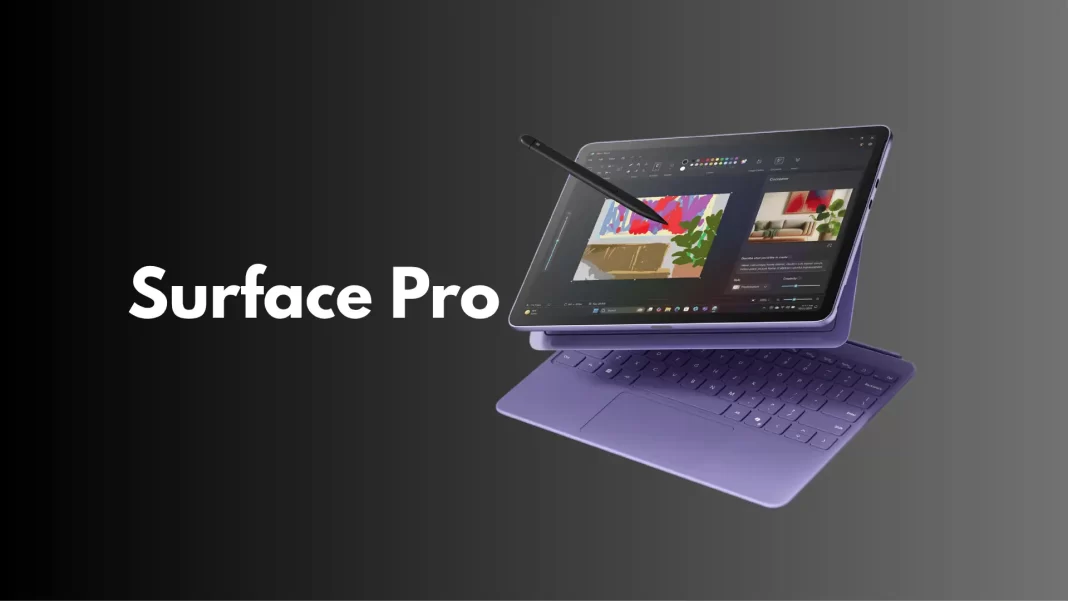
If you’re eyeing an AI-ready Windows laptop with great battery life and a clean design, Microsoft’s Surface Laptop 7th Edition is the one most people should shortlist. It comes in two sizes, runs on Qualcomm’s Snapdragon X chips, and finally fixes long-standing Surface gripes like ports and repairability. Here’s how to pick the right model with zero fuss.
The Surface Laptop 7th Edition is Microsoft’s 2024–25 “Copilot+ PC” notebook. You get 13.8-inch or 15-inch touchscreens, Snapdragon X Plus or X Elite processors with a dedicated NPU for AI features, Wi-Fi 7, and the best battery life on any Surface Laptop to date. The 13.8-inch is lighter; the 15-inch lasts a bit longer and adds a card slot.
Should you buy it?
- Yes if you want long battery life, silent performance, and you mostly use modern browsers, Office, creative tools, and mainstream apps.
- Think twice if you rely on niche Windows apps, older peripherals with custom drivers, or AAA gaming.
Why the caution? Windows on Arm now runs most x86 apps through Microsoft’s Prism translation, but a few utilities and drivers still misbehave. Native support is growing fast, just verify your must-have apps first.
How to choose your Surface Laptop 7
1) Pick your size
- 13.8-inch: Best balance of portability and power.
- 15-inch: More battery on paper and a MicroSD card reader for quick photo/video imports.
2) Choose the chip
- Snapdragon X Plus: Great for everyday productivity and light creative work.
- Snapdragon X Elite: Choose this if you work with big photo libraries, heavy spreadsheets, or lots of simultaneous apps.
Both versions include a 45-TOPS NPU for Windows AI features.
3) Memory and storage (sweet spots)
- 16 GB RAM / 512 GB SSD is the sensible baseline.
- Power users can go up to 64 GB RAM and 1 TB SSD. SSDs are removable for service or replacement.
4) Battery expectations
- Microsoft rates up to 20 hours video playback on 13.8-inch and up to 22 hours on 15-inch. Web-browsing tests land lower, as usual. Plan for a true full day of mixed use.
5) Ports and charging
- 2× USB-C/USB4, 1× USB-A, 3.5 mm jack, Surface Connect, and on the 15-inch, MicroSD.
- Fast charging works over Surface Connect or USB-C with a sufficiently powerful charger.

Real world tips before you buy
- App check: If you rely on specialized software or older accessories, confirm Arm support or ask the vendor about Prism compatibility. Many apps run well, a few still don’t.
- AI features like Recall: Microsoft paused and then began a staged re-release. As of June–August 2025, Recall is off by default and rolling out with more privacy controls via Windows Update. You can leave it off.
- Wi-Fi 7 ready: Good headroom for faster routers you may buy later.
- Repairability is better: Key parts, including the SSD and even the battery, are replaceable with documented guides. That’s a big shift for Surface.
Pricing snapshot (to set expectations)
- United States: configurations have ranged roughly from $1,000 for the base 13.8-inch X Plus up to around $2,500 for a maxed-out 15-inch X Elite. Deals are common. Microsoft
- India: recent retail listings show the 13.8-inch X Plus 16/512 around ₹1,16,990 (prices vary by seller and offers). Flipkart
What to avoid
Don’t expect high-end PC gaming. There’s no discrete GPU.
- Don’t assume every legacy driver or capture card will work on day one. Check first.
FAQs
Is the Surface Laptop 7 good for students or remote work?
Yes, via USB4/DisplayPort alt-mode and compatible docks. Microsoft’s docs and many reviews note multi-display support; performance is strong on the X Elite models. Microsoft Learn
Does it support multiple external monitors?
Yes, via USB4/DisplayPort alt-mode and compatible docks. Microsoft’s docs and many reviews note multi-display support; performance is strong on the X Elite models.
Can I upgrade the SSD later?
It’s a removable Gen 4 SSD. Replacement requires some care, but it’s supported.
Does it have a headphone jack?
Yes, 3.5 mm on both sizes.
Which color options are available?
Platinum, Black, Sapphire, and Dune (availability varies by region and config)
Bottom line
If you want a modern Windows laptop that lasts, feels premium, and finally gets the basics right, the Surface Laptop 7th Edition is an easy recommendation. Choose your size, grab at least 16/512, and enjoy the battery life.
Pro Tips
- Bring a 65 W+ USB-C charger for fast top-ups.
- For creators, the 15-inch X Elite with 32 GB RAM is the stress-free pick.
Source: Microsoft Surface Laptop spec pages and fact sheet

