

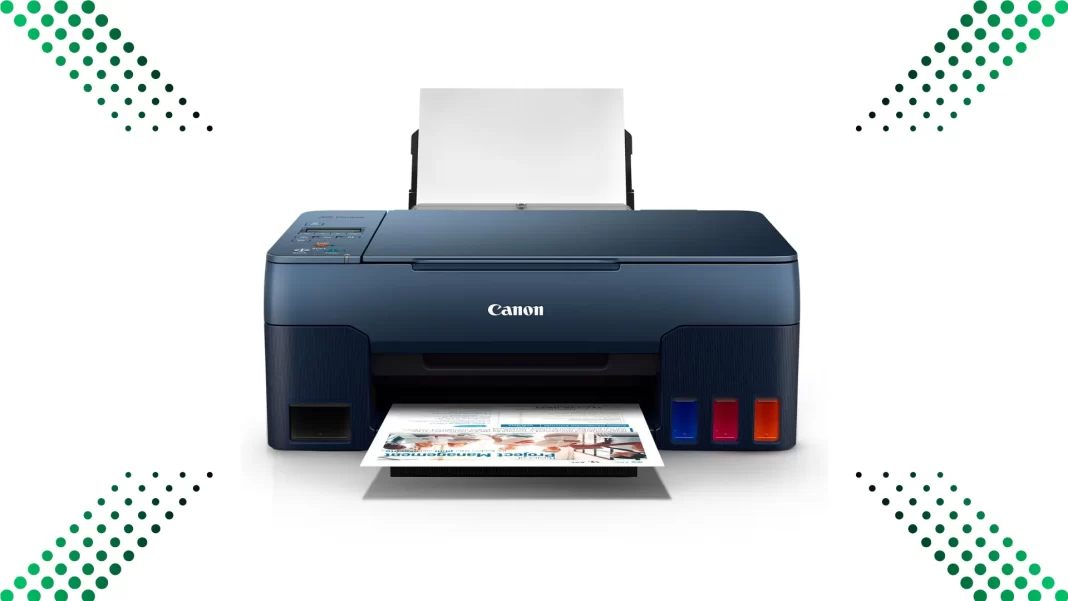
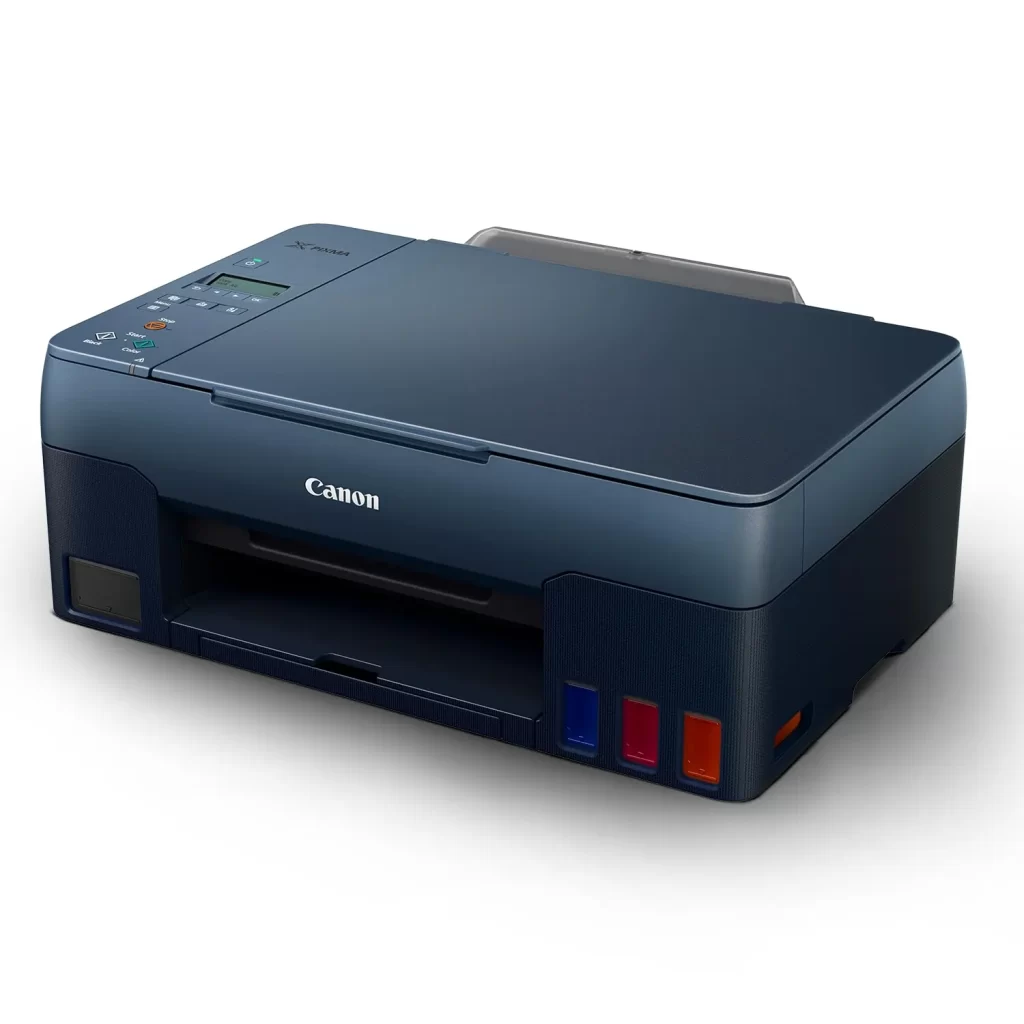
Canon PIXMA G2020 is a simple, low-running-cost ink-tank AIO for homes and micro-businesses that do not need Wi-Fi. It prints text cheaply and colour affordably, and it’s easy to top up. The trade-offs are wired-only USB, no auto duplex, and mid-range speeds. If your priority is the lowest ongoing cost and you’re fine plugging in a USB cable, it’s a strong pick in India.
Quick verdict: If you print 100–800 pages a month and don’t need wireless, the G2020 offers ISO-based running costs around 13 paise black and ~27 paise colour using Canon’s official MRPs and yields. It’s slower than lasers and lacks Wi-Fi, but total ownership cost is hard to beat.
Table of Contents
Key specification at a glance
- Engine: 4-colour ink-tank with GI-71 bottles; resolution up to 4800×1200 dpi. ISO speed ~9.1 ipm mono, 5.0 ipm colour.
- Yields (ISO): PGBK 6,000 pages; C/M/Y 7,700 pages each. Economy mode can push higher but reduces density.
- Duty cycle: up to 3,000 pages/month. Recommended volume for similar Canon ink-tanks is typically 150–1,500 pages (guidance from regional listings).
- Connectivity: USB only, no Wi-Fi.
- Maintenance: user-replaceable MC-G02 maintenance cartridge.
Quick specification table of Canon G2020
| Item | Canon PIXMA G2020 |
|---|---|
| ISO speed (A4) | 9.1 ipm mono / 5.0 ipm colour |
| Max resolution | 4800×1200 dpi |
| Duty cycle | Up to 3,000 pages/month |
| Inks | GI-71 PGBK, GI-71 C/M/Y; MC-G02 maintenance |
| Yields (ISO) | 6,000 black; 7,700 per colour |
| Connectivity | USB 2.0 only; no Wi-Fi |
| Price (India) | ₹10,499 |
Cost per page – transparent math
Formula
- Black CPP = Black bottle MRP ÷ ISO black yield
- Colour CPP = (C bottle MRP ÷ C yield) + (M bottle MRP ÷ M yield) + (Y bottle MRP ÷ Y yield)
Inputs from Canon India MRPs and yields
- GI-71 PGBK MRP ₹795, yield 6,000 → ₹795 ÷ 6,000 = ₹0.1325 ≈ 13.3 paise per black page.
- GI-71 C/M/Y MRP ₹695 each, yield 7,700 each → ₹695 ÷ 7,700 = ₹0.0903 per colour channel. Multiply by three for composite colour → ₹0.2709 ≈ 27.1 paise per colour page.
Reality check
Retailers often quote 13p black / 24p colour, which you may see when street prices dip below MRP or under economy-mode assumptions. Using official MRPs gives you a conservative ~13p black and ~27p colour figure.
What changes CPP in real life
- Initial setup consumes some ink, so your first bottles yield less.
- Automatic cleaning uses ink. Infrequent printing can raise your effective CPP.
- Economy mode lowers density and raises yield; good for drafts, not final docs.
Cost per page of G2020
| Item | MRP | Yield (ISO) | CPP |
|---|---|---|---|
| GI-71 PGBK | ₹795 | 6,000 | ₹0.13 |
| GI-71 Cyan | ₹695 | 7,700 | ₹0.09 |
| GI-71 Magenta | ₹695 | 7,700 | ₹0.09 |
| GI-71 Yellow | ₹695 | 7,700 | ₹0.09 |
| Colour page total | ₹0.27 |
Who should buy the PIXMA G2020
Student printing 100 pages per month
At ~13p black, 100 pages cost about ₹13 monthly. Add occasional colour worksheets at ~27p each. If you don’t need Wi-Fi and can plug in via USB, it’s a low-stress, low-cost student printer.
Home office invoices and forms
Text is clean, and ISO mono speed around 9 ipm is fine for small batches. Budget for 150–800 pages/month to stay within duty cycle and comfort zone. If you share across devices, note the lack of Wi-Fi.
Photo and project prints
It can print decent photos on glossy paper, but this is not a six-ink photo model. Use higher-quality paper, and expect slower colour pages at ~5 ipm.
Setup, maintenance, and clog-avoidance
- Expect the first fill to consume ink while priming the heads. That’s normal.
- Run a weekly nozzle check if you print infrequently. It’s quicker and uses less ink than deeper cleanings.
- MC-G02 maintenance cartridge is user-replaceable. Keep a spare if you print heavily.
What is missing in Canon G2020
- No Wi-Fi or mobile printing. If you need wireless, look at Epson L3250 or HP Smart Tank 520.
- No auto duplex. Manual two-sided only. Specs and listings do not list duplex.
Canon G2020 vs Epson L3250 vs HP Smart Tank 520
| Model | ISO speed | Connectivity | Duty cycle | Notable |
|---|---|---|---|---|
| Canon G2020 | ~9.1/5.0 ipm | USB only | Up to 3,000 pages | Very low CPP from GI-71 MRPs; MC-G02 user-replaceable |
| Epson L3250 | ~10/5 ipm | USB, Wi-Fi | Not stated as “duty cycle”; designed for home | App support; claims low CPP in marketing |
| HP Smart Tank 520 | ~12/5 ppm | USB (some variants add Wi-Fi) | 3,000 pages | Guided panel, broader Smart Tank family with Wi-Fi options |
Takeaway: If you want the cheapest prints and can live with USB, G2020 is great. If you need Wi-Fi, L3250 or a Smart Tank is the safer pick.
Should you buy G2020
Buy the Canon PIXMA G2020 if your priority is very low running cost and your desk is next to the PC. Skip it if you need Wi-Fi, auto duplex, or an ADF.
Frequently Asked Questions
Does the Canon G2020 have Wi-Fi?
No. It connects over USB only.
What are the ISO print speeds?
About 9.1 ipm mono and 5.0 ipm colour on A4.
What is the duty cycle?
Up to 3,000 pages per month. Don’t run at the limit all the time; think 150–1,500 pages as a comfortable band for similar engines.
Which ink bottles does it use?
GI-71 series: PGBK pigment black, dye C/M/Y.
How much does a black page cost?
Using Canon MRPs, roughly 13 paise per ISO black page.
And a colour page?
Around 27 paise using MRP for C/M/Y and ISO yields. Some listings quote ~24p with street pricing or economy mode.
Do the bundled bottles yield the same as replacements?
No. Setup uses some ink to prime the system, so the first set yields less.
Can I replace the maintenance cartridge myself?
Yes. It uses MC-G02, designed for user replacement.
Source: Canon

