

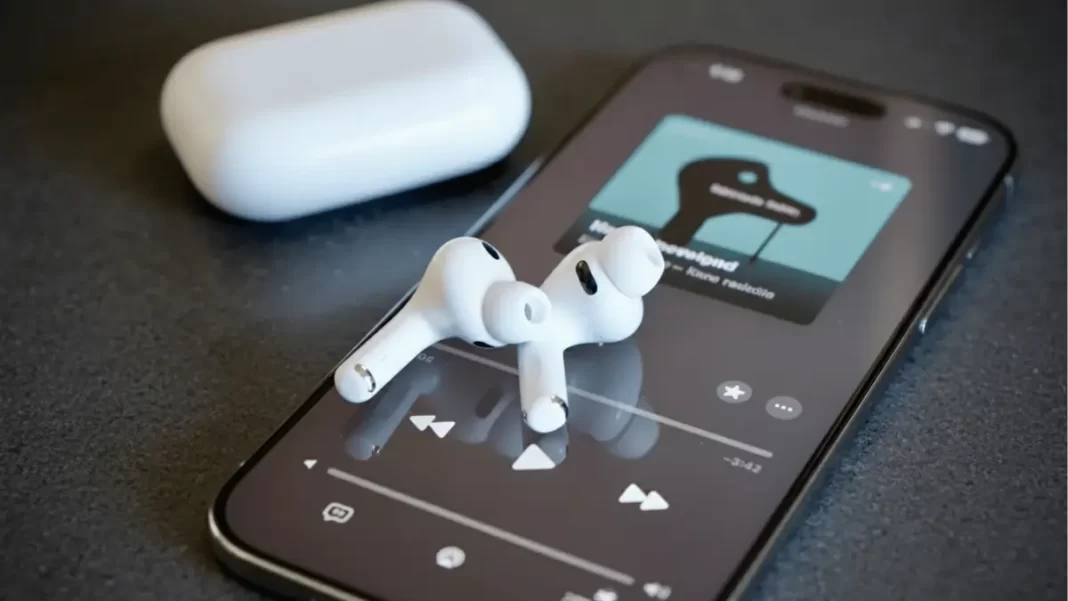
AirPods firmware 8A358 is rolling out to H2-chip models AirPods Pro 3, AirPods Pro 2 (USB-C/Lightning), AirPods 4, and AirPods 4 with ANC. Apple lists only “bug fixes and other improvements.” You can’t force the update; leave AirPods in the case on charge near an online iPhone, then check the version in Bluetooth settings.
What is AirPods firmware 8A358?
Apple has pushed a small AirPods firmware bump to 8A358. Reporting aligns that this release targets the latest H2-based earbuds and arrives just ahead of iOS 26.1. Think stability polish rather than headline features.
Which models get it now?
Apple’s support page shows 8A358 for: AirPods Pro 3, AirPods Pro 2 (both USB-C and Lightning cases), AirPods 4, and AirPods 4 with ANC. Older models remain on other tracks; AirPods Max sits on a different build.

What’s actually new?
Apple’s release notes are brief—“Bug fixes and other improvements.” It’s reasonable to expect minor fixes and prep for iOS 26.1 features like expanded Live Translation language support that arrived in earlier 8A356 builds. Don’t expect visible changes day one.
How to update AirPods firmware (reliable method)
You can’t tap an “Update now” button. Apple’s process is automatic: put AirPods in the case, connect the case to power, keep them near an iPhone, iPad, or Mac on Wi-Fi, wait ~30 minutes, then open the lid and recheck. If you’re stuck, reset the AirPods and repeat.
How to check your current firmware
On iPhone: Settings → Bluetooth → “i” next to your AirPods → About → Firmware Version. On Mac: System Settings → Bluetooth → Info.
8A358 vs 8A356/8A357
Recent builds have moved quickly. Many users were on 8A356 (or 8A357 on Pro 3), which added iOS 26-era capabilities like better call quality and studio-quality recordings. 8A358 appears to be a tidy follow-up for fixes ahead of iOS 26.1.
Quick table: current versions (Apple’s list)
| Model | Chip | Current firmware |
|---|---|---|
| AirPods Pro 3 | H2 | 8A358 |
| AirPods Pro 2 (USB-C/Lightning) | H2 | 8A358 |
| AirPods 4 | H2 | 8A358 |
| AirPods 4 with ANC | H2 | 8A358 |
| AirPods Max (USB-C) | — | 7E108 |
| AirPods Pro 1 / AirPods 3 / AirPods 2 | — | see Apple page |
The Bottom Line
If you own Apple’s newest H2-based AirPods, you’re getting 8A358. Leave them charging near your iPhone and check the version after half an hour. Expect stability tweaks; save the big feature jumps for earlier 8A356 and future iOS 26.1 updates.
Checklist
- H2 model? Pro 3, Pro 2, AirPods 4 → eligible ✔
- Put in case, plug in, keep near online iPhone ✔
- Wait ~30 minutes, open lid, re-check version ✔
- Still stuck? Reset, then repeat ✔
Frequently Asked Questions (FAQs)
Does 8A358 improve call or recording quality?
Apple doesn’t say; earlier 8A356 brought audio upgrades. 8A358 looks like a follow-up fix.
Is 8A358 tied to iOS 26.1?
It arrives just ahead of it; timing suggests prep work, but Apple hasn’t confirmed.
What if my case won’t update?
Reset your AirPods and repeat the charging/wait steps.
Is AirPods Max included?
No; it’s on a different track (e.g., 7E/7E1xx series).
How long should I wait?
Apple says at least 30 minutes with the lid closed.

Featured Snippet Boxes
Which AirPods get 8A358?
AirPods Pro 3, Pro 2 (USB-C and Lightning), AirPods 4, and AirPods 4 with ANC. These are Apple’s H2-chip models. Older AirPods and AirPods Max stay on different versions.
What does 8A358 change?
Apple lists “Bug fixes and other improvements.” No specific features were announced. Treat this as a stability patch likely tied to iOS 26.1 readiness.
How do I install AirPods firmware?
You can’t force it. Put AirPods in the case, connect to power, keep them near an iPhone/iPad/Mac on Wi-Fi, wait 30 minutes, then open the lid and check the version.
How do I check my firmware?
On iPhone: Settings → Bluetooth → Info (i). On Mac: System Settings → Bluetooth → Info.

