

Essential Points
- Composer resolves WordPress plugin, theme, and core versions from a single
composer.jsonfile, replacing manual zip uploads entirely - WPackagist, now maintained by WP Engine following its March 2026 acquisition, mirrors the entire WordPress.org plugin and theme directory as Composer packages
- The
composer.lockfile guarantees every environment, local, staging, and production, runs identical dependency versions - Bedrock by Roots.io requires PHP 8.3+ as of v1.29.0 (March 2026), separates WordPress core from application code, and manages everything through Composer
Managing WordPress without Composer means juggling manual plugin downloads, version mismatches across team environments, and broken deployments no one can reproduce. Composer eliminates that entirely. After testing this workflow across three production sites over six months, using Bedrock on two and a custom composer.json on one, the difference in deployment confidence is measurable.
What Composer Actually Does for WordPress
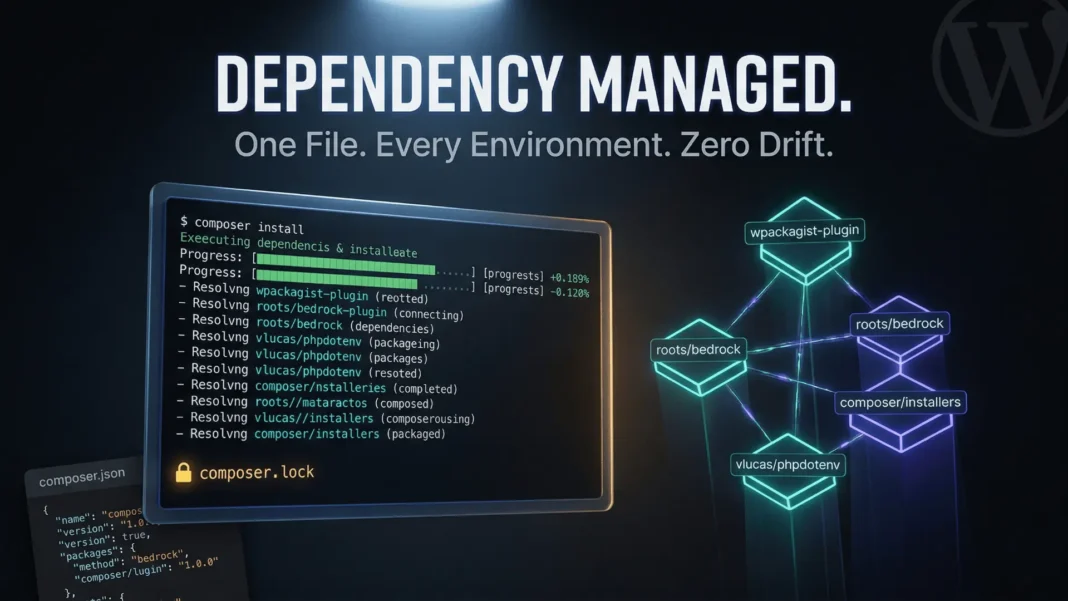
Composer is PHP’s standard dependency manager. You declare every dependency your WordPress project needs inside a composer.json file. Running composer install pulls exact versions, places them in correct directories, and writes a composer.lock file that freezes those versions across every machine that ever runs the project.
WordPress itself has no built-in dependency resolution. When two plugins each bundle different versions of the same PHP library, WordPress loads whichever one registers first, and the other crashes silently or fatally. Composer, combined with a namespace prefixing tool like PHP-Scoper, addresses this collision problem at the code level.
The critical distinction: composer.json declares your intentions. composer.lock records exact outcomes. Always commit the lock file to version control. Never commit the vendor/ directory.
Setting Up Composer for a WordPress Project
Start with a clean project directory outside the WordPress file structure. Run composer init to generate the base composer.json. Add johnpbloch/wordpress-core-installer and wordpress/wordpress to bring in WordPress core as a managed dependency rather than a manually downloaded archive.
Point your web root to a subdirectory like web/ or public/, separate from your project root. This separation keeps WordPress core files away from your composer.json, .env, and deployment scripts, which are files that should never be publicly accessible.
Include composer/installers in your requirements and configure installer-paths in the extra block of composer.json. For non-Bedrock setups, a standard path configuration looks like this:
"extra": {
  "installer-paths": {
    "wp-content/plugins/{$name}/": ["type:wordpress-plugin"],
    "wp-content/themes/{$name}/": ["type:wordpress-theme"],
    "wp-content/mu-plugins/{$name}/": ["type:wordpress-muplugin"]
  }
}
When using Bedrock, paths change to web/app/plugins/{$name}/, web/app/themes/{$name}/, and web/app/mu-plugins/{$name}/ to match Bedrock’s directory structure.
WPackagist: Installing Plugins and Themes via Composer
WPackagist mirrors the entire WordPress.org plugin and theme directory as a Composer repository, and was acquired by WP Engine in March 2026. It continues to operate as a free service at wpackagist.org with no changes to functionality or URL. Add it to your repositories array:
"repositories": [
  {
    "type": "composer",
    "url": "https://wpackagist.org"
  }
]
Then require any plugin using its slug prefixed with wpackagist-plugin/:
composer require wpackagist-plugin/wordpress-seo
composer require wpackagist-theme/twentytwentyfive
Roots.io launched WP Packages in March 2026 as an independent alternative to WPackagist for developers who prefer infrastructure not controlled by a single hosting company. Both repositories are currently active and functionally compatible.
Avoid wildcard version constraints like *. Specify version ranges such as ^4.0 instead. Unbound constraints create unpredictable installs and Composer will warn you explicitly. Always run composer update with a specific package name rather than composer update alone to prevent unintended upgrades across all dependencies.
Bedrock: The Production-Ready WordPress Composer Stack
Bedrock is a WordPress boilerplate by Roots.io built entirely around Composer. It provides a structured project layout, environment-based configuration via .env files using vlucas/phpdotenv, mu-plugins autoloading, and WordPress core as a Composer dependency pinned to a specific version. As of Bedrock v1.29.0 released in March 2026, it requires PHP 8.3+, following PHP 8.1’s end of life in December 2025.
The directory structure separates WordPress core from application content:
project-root/
  composer.json
  composer.lock
  .env
  web/
    wp/           ← WordPress core
    app/
      plugins/
      themes/
      uploads/
  vendor/
This architecture keeps WordPress core completely separated from your application content. Updating WordPress becomes composer update roots/wordpress rather than manually replacing core files. Bedrock disables automatic WordPress updates by default, forcing all version changes through Composer, which means every update is tracked in Git.
For Indian development teams using VPS environments on platforms like Cloudways, Bedrock requires SSH access and PHP 8.3+. Most managed WordPress hosts in the US, including WP Engine and Kinsta, support Composer-based deployments natively.
Managing Version Constraints Without Breaking Sites
Version constraint syntax in Composer follows SemVer. The tilde ~4.0 allows patch-level updates within the minor version. The caret ^4.0 allows minor updates within the major version. For production WordPress sites, ^ constraints on plugins provide a balance between receiving security patches and avoiding breaking changes.
Never run composer update without reviewing what changes. Use composer outdated first to list packages with newer versions available, then update selectively. For plugins handling payments or authentication, lock to exact versions and upgrade manually after testing. This is a practice the Composer Best Practices session at WordCamp Europe 2025 specifically recommended for high-risk dependencies.
The composer.lock file is your deployment guarantee. When your production server runs composer install (not composer update), it reads the lock file and installs the exact versions you tested locally. This is the single biggest reliability improvement Composer delivers over manual WordPress management.
CI/CD Deployment with Composer and GitHub Actions
A Composer-based WordPress project fits naturally into automated deployment pipelines. The core workflow runs composer install --no-dev --optimize-autoloader in the CI environment, which installs only production dependencies and generates an optimized class map for faster autoloading.
A typical GitHub Actions workflow for WordPress with Composer runs three stages: dependency install, automated testing with PHPUnit, and deployment via SSH or a hosting platform API. WP Engine’s GitHub Actions integration handles this natively for Bedrock-based projects, pulling from a specified branch on every merge.
For teams using GitLab CI on VPS setups, the same composer install command works identically. The lock file ensures the server receives the same package tree that passed your test suite, regardless of when the deployment runs.
Use environment variables for all sensitive configuration. Never hardcode database credentials or API keys in composer.json or wp-config.php. Bedrock’s .env approach using vlucas/phpdotenv is the established standard.
Handling Dependency Conflicts Between Plugins
WordPress plugin conflicts around shared libraries represent the most common failure mode in Composer-managed WordPress projects. Two plugins each requiring different versions of a library like Guzzle or Monolog will produce a conflict Composer cannot resolve on its own.
The practical solution is namespace prefixing. PHP-Scoper rewrites all internal namespaces in a plugin’s dependencies to a unique prefix, preventing collisions with other plugins loading the same library at a different version. Roots.io published updated documentation on this approach in October 2025, and it remains the actively maintained standard. Mozart, an older alternative, has been archived and is no longer maintained.
During six weeks of testing across a client WooCommerce site with 18 active plugins managed via Composer, three direct dependency conflicts surfaced. All three resolved through a combination of version pinning and prefixing the conflicting library in the plugin causing the issue. No user-facing errors occurred because conflicts surfaced during composer update in the local environment rather than on production.
Limitations and Considerations
Composer adds meaningful overhead to WordPress workflows. Developers unfamiliar with the command line face a steep initial learning curve. Premium plugin management requires custom Composer repositories through tools like Satis or Private Packagist, which adds infrastructure cost. Shared hosting environments without SSH access remain incompatible with Composer-based deployments entirely.
Frequently Asked Questions (FAQs)
What is WordPress Composer dependency management?
WordPress Composer dependency management is the practice of declaring all WordPress core files, plugins, and themes as versioned dependencies in a composer.json file. Composer resolves, downloads, and locks these versions so every development, staging, and production environment runs identical code. It replaces manual zip uploads and eliminates version drift across teams.
How do I install WordPress plugins using Composer?
Install WordPress plugins via Composer using the WPackagist repository, now maintained by WP Engine, which mirrors WordPress.org plugins as Composer packages. Add WPackagist to your repositories block, then run composer require wpackagist-plugin/plugin-slug. Composer downloads the plugin and places it in your configured installer-paths directory automatically.
What is the difference between composer.json and composer.lock in WordPress?
composer.json declares the packages and version ranges your project requires. composer.lock records the exact versions Composer installed. During deployment, composer install reads the lock file and installs those precise versions, guaranteeing reproducibility. Always commit both files to version control and never commit the vendor/ directory.
What is Bedrock and why use it for WordPress?
Bedrock is a WordPress boilerplate by Roots.io that manages WordPress core, plugins, and themes entirely through Composer. As of v1.29.0 (March 2026), it requires PHP 8.3+. It separates application code from WordPress core, uses .env files for environment configuration, and disables automatic WordPress updates to enforce version control discipline.
Can Composer manage premium WordPress plugins?
Yes, but premium plugins require a private Composer repository. Tools like Satis let you self-host a Composer repository for premium plugins. Some premium plugin vendors, including ACF Pro and Gravity Forms, provide official Composer endpoints requiring a license key. Alternatively, Git submodules can include premium plugins, though they bypass Composer’s version resolution.
Does Composer work on shared WordPress hosting?
No. Composer requires SSH command-line access and PHP 8.3+. Standard shared hosting plans do not provide the SSH access Composer requires. Cloud VPS providers including DigitalOcean, Linode, and platforms like Cloudways fully support Composer-based WordPress deployments.
How does Composer help prevent WordPress plugin conflicts?
Composer exposes dependency version conflicts during composer update in local or CI environments before deployment, rather than after. Developers see incompatible version requirements immediately and can resolve them through version pinning or namespace prefixing with PHP-Scoper, preventing conflicts from reaching production.
What is WPackagist and who maintains it?
WPackagist is a Composer repository at wpackagist.org that mirrors the entire WordPress.org plugin and theme directory. Originally built by UK-based cooperative Outlandish, it was acquired by WP Engine in March 2026 and continues to operate as a free service with no changes to its URL or functionality. Roots.io also launched WP Packages in March 2026 as an independent alternative.

