

Quick Brief
- macOS 26.4 RC (build 25E243) ships six confirmed Mac features ahead of a public release expected as early as next week
- Safari’s compact tab bar returns, giving users more browsing space and direct tab-based search
- Freeform gains AI-powered image creation tools and a premium content library via Apple Creator Studio
- Adult members in Family Sharing groups can now use their own payment method without relying on the family organizer
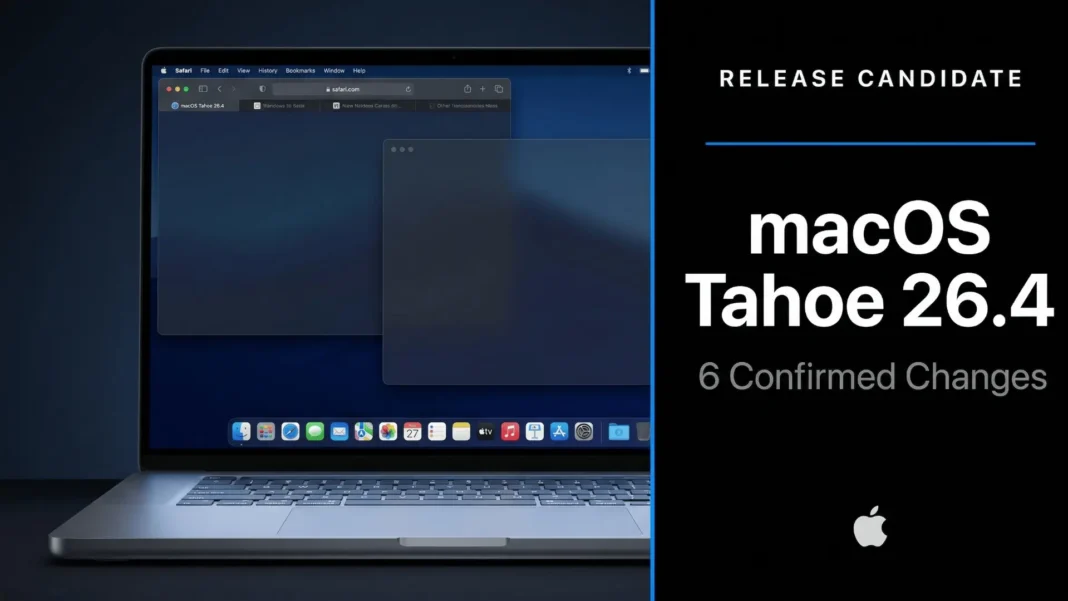
Apple shipped macOS Tahoe 26.4 Release Candidate on March 18, 2026, and the update carries more substance than its version number implies. Six user-facing changes are confirmed directly in Apple’s official release notes, touching Safari, Freeform, Reminders, Family Sharing, accessibility, and the emoji keyboard. The RC (build 25E243) is available now for developers and public beta testers, with the full public release expected as early as the week of March 24, 2026.
6 Verified Changes in macOS Tahoe 26.4
Safari Gets Its Compact Tab Bar Back
macOS 26 removed Safari’s compact tab bar option when it launched, a decision that frustrated users who relied on it for screen real estate. macOS 26.4 restores that option, letting users browse with more visible page space and search directly from the active tab. This is a direct response to feedback that accumulated across multiple release cycles, and it marks one of the more visible quality-of-life returns in recent macOS history.
Freeform Expands with AI Image Creation
Freeform now connects to Apple Creator Studio, adding advanced image creation and editing tools alongside a premium content library. These tools are exclusive to Creator Studio subscribers and are not available to free Freeform users. For creators who use Freeform as a visual brainstorming canvas, this upgrade reduces the need to switch to separate design or image generation apps.
Reminders Gains Urgent Task Flagging
Users can now mark individual reminders as urgent using a keyboard shortcut and filter specifically for urgent items inside Smart Lists. This brings task prioritization into Reminders without adding complexity to its interface. The addition closes a functional gap between Reminders and dedicated third-party task management apps that have offered urgency flagging for years.
Family Sharing Gains Payment Independence
Purchase Sharing now allows adult members of a Family Sharing group to use their own payment method when buying apps or content, removing the dependency on the family organizer’s card. This change affects purchases across the App Store and Apple services. It addresses a long-standing friction point that made Family Sharing impractical for households where adults maintain separate finances.
Subtitle and Caption Settings Are Easier to Find
Subtitle and caption settings are now more accessible when watching media, with a real-time preview available directly from the captions icon. Users no longer need to navigate deep into Accessibility settings to adjust captions during playback. This is a meaningful improvement for users who rely on subtitles across Apple TV, streaming apps, and system media playback.
8 New Emoji
macOS 26.4 introduces 8 new emoji characters, including an orca, trombone, landslide, ballet dancer, and distorted face. These appear across all emoji-supported Apple apps, including Messages, Mail, and compatible third-party apps. The additions align with the Emoji 17.0 specification.
Performance and Download Details
The macOS 26.4 RC weighed in at 18.22 GB on both M4 Mac Mini and M1 MacBook Air hardware. Reviewers reported that the build performs better overall than macOS 26.3, with smoother general operation noted in hands-on testing. Geekbench scores recorded on tested hardware showed a single-core result of 38,844 and a multi-core result of 15,220.
Visual bugs remain present in this RC. App Store alignment issues on 4K displays and sidebar inconsistencies in System Settings have been reported by reviewers. A known Clock app bug where the screen wakes but the alarm audio may not play has also been identified in this build.
macOS Tahoe 26.4 vs macOS 26.3: What Changed
| Feature | macOS 26.3 | macOS 26.4 RC |
|---|---|---|
| Safari Compact Tab Bar | Not available | Restored |
| Freeform AI Image Tools | Basic canvas only | AI creation + premium content library |
| Urgent Reminders | Not available | Keyboard shortcut + Smart Lists filter |
| Family Payment Method | Organizer’s card only | Per-member payment option |
| Subtitle/Caption Access | Deep in Accessibility settings | Accessible via captions icon with live preview |
| New Emoji | Previous set | 8 new characters incl. orca, trombone, ballet dancer |
| Geekbench Single-Core | Baseline | 38,844 on tested M-series hardware |
How to Install macOS Tahoe 26.4 RC
- Open System Settings on your Mac
- Navigate to General and select Software Update
- If enrolled in Apple’s developer or public beta program, build 25E243 appears automatically
- Back up your data with Time Machine before installing any RC build
- Apple advises against installing RC builds on primary production machines
The public release is expected as early as the week of March 24, 2026.
Limitations and Known Issues
macOS 26.4 RC carries an 18.22 GB download, large for a point update. Reviewers have documented visual inconsistencies in the App Store and System Settings sidebar on this build. A Clock alarm bug where audio may not trigger on wake has also been confirmed in this RC. Apple has not confirmed whether a second RC will precede the public release. Freeform’s advanced AI tools require a paid Creator Studio subscription, limiting their availability to paying users only.
Frequently Asked Questions (FAQs)
When will macOS Tahoe 26.4 release to the public?
Apple released the first macOS 26.4 Release Candidate on March 18, 2026. Based on Apple’s standard RC-to-release timeline, the public update is expected during the week of March 24, 2026. A second RC remains possible before the final launch.
What is the build number for macOS 26.4 RC?
The macOS Tahoe 26.4 Release Candidate carries build number 25E243. Developers and public beta testers can access it now via System Settings. Apple may release additional RC builds before the final public version ships.
What are the six confirmed changes in macOS 26.4?
Apple’s official release notes confirm six changes: Safari compact tab bar restored, Freeform AI image creation tools via Creator Studio, urgent Reminders with keyboard shortcut and Smart Lists filter, Family Sharing adult payment independence, easier subtitle and caption settings with live preview, and 8 new emoji.
Is Freeform’s AI image feature free in macOS 26.4?
No. The advanced image creation and editing tools, along with the premium content library, are part of Apple Creator Studio and require a subscription. Basic Freeform functionality remains free and unchanged for all users.
What new emoji arrive with macOS 26.4?
macOS 26.4 introduces 8 new emoji, including an orca, trombone, landslide, ballet dancer, and distorted face. These align with the Emoji 17.0 specification and appear across Messages, Mail, and all emoji-compatible apps.
Does macOS 26.4 RC have any known bugs?
Yes. Reviewers have documented App Store alignment issues on 4K displays, sidebar inconsistencies in System Settings, and a Clock app alarm bug where the screen may wake without the alarm audio playing. These are open issues as of the RC build.
Should I install macOS 26.4 RC on my main Mac?
Apple advises against installing any RC build on a device critical to daily work. While RC builds are close to the final release, unresolved bugs can disrupt productivity. Wait for the official public release expected the week of March 24, 2026, unless you are actively testing apps.
What Macs support macOS Tahoe 26.4?
macOS 26.4 supports the same Mac hardware as macOS 26. This includes Apple Silicon Macs (M1 and later) and select Intel-based models that met the original macOS 26 compatibility requirements. The RC was tested on M4 Mac Mini and M1 MacBook Air.
When will macOS Tahoe 26.4 release to the public?
Apple released the first macOS 26.4 Release Candidate on March 18, 2026. Based on Apple’s standard RC-to-release timeline, the public update is expected during the week of March 24, 2026. A second RC remains possible before the final launch.
What is the build number for macOS 26.4 RC?
The macOS Tahoe 26.4 Release Candidate carries build number 25E243. Developers and public beta testers can access it now via System Settings. Apple may release additional RC builds before the final public version ships.
What are the six confirmed changes in macOS 26.4?
Apple’s official release notes confirm six changes: Safari compact tab bar restored, Freeform AI image creation tools via Creator Studio, urgent Reminders with keyboard shortcut and Smart Lists filter, Family Sharing adult payment independence, easier subtitle and caption settings with live preview, and 8 new emoji.
Is Freeform’s AI image feature free in macOS 26.4?
No. The advanced image creation and editing tools, along with the premium content library, are part of Apple Creator Studio and require a subscription. Basic Freeform functionality remains free and unchanged for all users.
What new emoji arrive with macOS 26.4?
macOS 26.4 introduces 8 new emoji, including an orca, trombone, landslide, ballet dancer, and distorted face. These align with the Emoji 17.0 specification and appear across Messages, Mail, and all emoji-compatible apps.
Does macOS 26.4 RC have any known bugs?
Yes. Reviewers have documented App Store alignment issues on 4K displays, sidebar inconsistencies in System Settings, and a Clock app alarm bug where the screen may wake without the alarm audio playing. These are open issues as of the RC build.
Should I install macOS 26.4 RC on my main Mac?
Apple advises against installing any RC build on a device critical to daily work. While RC builds are close to the final release, unresolved bugs can disrupt productivity. Wait for the official public release expected the week of March 24, 2026, unless you are actively testing apps.
What Macs support macOS Tahoe 26.4?
macOS 26.4 supports the same Mac hardware as macOS 26. This includes Apple Silicon Macs (M1 and later) and select Intel-based models that met the original macOS 26 compatibility requirements. The RC was tested on M4 Mac Mini and M1 MacBook Air.

