

Quick Brief
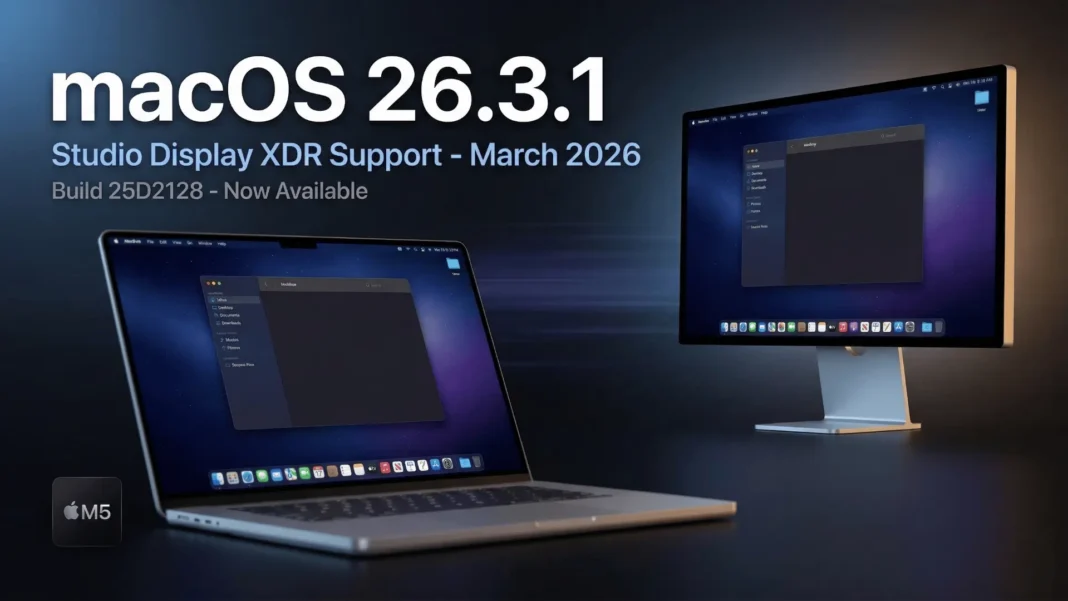
- macOS 26.3.1 (build 25D2128) released March 4, 2026, adding support for Studio Display (2026) and Studio Display XDR
- The update ships pre-installed on new M5 MacBook Air, M5 Pro, and M5 Max MacBook Pro models released the same week
- No security patches are included; the update targets hardware compatibility and unspecified bug fixes
- Studio Display XDR starts at $3,299 (Rs. 3,99,900 in India), available from March 11, 2026
Apple dropped macOS 26.3.1 on March 4, 2026, and while the version number looks minor, its timing is deliberate. This update lands exactly alongside new MacBook hardware and two new professional displays, making it a required software bridge for anyone entering Apple’s upgraded Mac ecosystem this spring. If you use or plan to connect one of Apple’s new 2026 Studio Displays, this update directly affects your setup.
What macOS 26.3.1 Actually Changes
Apple’s official release notes state precisely: “This update expands external display support to include Studio Display (2026) and Studio Display XDR along with bug fixes for your Mac.” No security content is documented. The specific bugs addressed are not named in Apple’s release notes, which is consistent with minor point releases of this type.
The update also ships as the default system software on every new Mac released this week, including the M5 MacBook Air, M5 Pro MacBook Pro, and M5 Max MacBook Pro. If you purchased one of these machines, macOS 26.3.1 is running on it from day one.

Studio Display and Studio Display XDR: Why This Support Matters
Apple refreshed its entire external display lineup alongside the M5 Mac hardware. Both new monitors require macOS 26.3.1 for full functionality on existing Macs already running macOS Tahoe 26.
The standard Studio Display features a 27-inch 5K Retina panel with 5120 x 2880 resolution, 600 nits brightness, 60Hz refresh rate, P3 wide color, True Tone, and a 12MP Center Stage camera with Desk View. Its six-speaker system includes four force-cancelling woofers that deliver 30 percent deeper bass than the previous generation, two tweeters, and Spatial Audio support. It connects via two Thunderbolt 5 ports that support daisy-chaining of up to four units, two USB-C ports for peripherals, and delivers up to 96W charging through the included Thunderbolt 5 Pro cable.
The Studio Display XDR takes professional display performance further. It uses a mini-LED backlight with 2,304 local dimming zones, supports 1,000 nits SDR brightness and 2,000 nits peak HDR brightness, and achieves a 1,000,000:1 contrast ratio. Its 120Hz Adaptive Sync panel ranges from 47Hz to 120Hz and supports both P3 and Adobe RGB color gamuts with more than 80 percent Rec. 2020 coverage for HDR production workflows. New DICOM medical imaging presets are included, with a Medical Imaging Calibrator on macOS that is pending FDA clearance in the US. Charging through its Thunderbolt 5 Pro cable reaches 140W, sufficient to fast-charge a 16-inch MacBook Pro.
| Feature | Studio Display (2026) | Studio Display XDR (2026) |
|---|---|---|
| Panel | 27-inch 5K IPS, 60Hz | 27-inch 5K mini-LED XDR, 120Hz Adaptive Sync (47-120Hz) |
| Resolution | 5120 x 2880, 218 ppi | 5120 x 2880, 218 ppi |
| Brightness | 600 nits | 1,000 nits SDR / 2,000 nits peak HDR |
| Local Dimming | None | 2,304 zones |
| Contrast Ratio | Standard | 1,000,000:1 |
| Color Gamut | P3 wide color | P3 + Adobe RGB, 80%+ Rec. 2020 |
| Camera | 12MP Center Stage + Desk View | 12MP Center Stage + Desk View |
| Audio | Six speakers, Spatial Audio | Six speakers, Spatial Audio |
| Ports | 2x Thunderbolt 5, 2x USB-C | 2x Thunderbolt 5, 2x USB-C |
| Charging | 96W via Thunderbolt 5 Pro cable | 140W via Thunderbolt 5 Pro cable |
| Price (US) | $1,599 | $3,299 |
| Price (India) | Rs. 1,89,900 | Rs. 3,99,900 |
| Available | March 11, 2026 | March 11, 2026 |
Should You Install macOS 26.3.1 Right Now?
If you connect or plan to connect a 2026 Studio Display or Studio Display XDR to your Mac, this update is required for full functionality. For all other Mac users, the update delivers unspecified bug fixes with no security patches, which means urgency is low.
To install, open System Settings, go to General, and tap Software Update, then choose Update Now. Note that the update file is 12GB or larger, since Apple does not use delta updates for macOS, so prepare for a significant download before installation begins. Back up your Mac with Time Machine before starting.
The update is available exclusively for Macs running macOS Tahoe 26. There are no equivalent updates for macOS Sequoia or Sonoma.
Companion Updates Released the Same Day
Apple released iOS 26.3.1, iPadOS 26.3.1, and visionOS 26.3.1 on the same date, all with equivalent support for the new 27-inch Studio Display lineup. If you use an iPhone, iPad, or Apple Vision Pro alongside a Mac with an external display, updating all devices at the same time ensures consistent compatibility.
macOS 26.4 Is Already in Beta
macOS 26.4 is currently under active development and is expected to reach all users this month, according to OSXDaily. The third developer beta of macOS 26.4 was released on March 2, 2026. Users who do not need the Studio Display support from 26.3.1 may choose to wait for 26.4, which will supersede this release.
Compatibility: Which Macs Run macOS 26.3.1
macOS Tahoe 26, including the 26.3.1 update, supports the following Mac hardware:
- MacBook Air (M1 and later, including M5)
- MacBook Pro (M1 and later, including M5, M5 Pro, M5 Max)
- Mac mini (M1 and later)
- Mac Studio (M1 Ultra and later)
- Mac Pro (M2 Ultra)
- iMac (M1 and later)
Considerations
macOS 26.3.1 does not include security patches, and the specific bugs it addresses are not identified in Apple’s release notes. Users who do not plan to connect the 2026 Studio Display or Studio Display XDR have limited urgent reasons to install this update immediately. Those on macOS Sequoia or Sonoma receive no equivalent update from this release cycle.
 iOS 26.3.1 (23D8133): Every Confirmed Fix and Change Apple Just Shipped to Your iPhone and iPad
Frequently Asked Questions (FAQs)
What is macOS 26.3.1 and what does it include?
macOS 26.3.1 (build 25D2128) is a point release issued on March 4, 2026. It adds external display support for the Studio Display (2026) and Studio Display XDR and includes unspecified bug fixes. Apple confirmed no security patches are part of this update.
Which Mac models support macOS 26.3.1?
All Macs compatible with macOS Tahoe 26 receive this update. This includes M1 through M5 MacBook Air and MacBook Pro, Mac mini, iMac, Mac Studio, and Mac Pro. The M5 MacBook Air, M5 Pro MacBook Pro, and M5 Max MacBook Pro ship with it pre-installed.
Does macOS 26.3.1 include security patches?
No. Apple’s release notes explicitly state no security content is included. Users can check Apple’s security updates page at support.apple.com/100100 for the latest security information across all Apple software.
What is the Studio Display XDR supported in macOS 26.3.1?
The Studio Display XDR is Apple’s new professional monitor with a 27-inch 5K mini-LED panel, 2,304 local dimming zones, 2,000 nits peak HDR brightness, 120Hz Adaptive Sync, and Thunderbolt 5 ports with 140W charging. It starts at $3,299 in the US and Rs. 3,99,900 in India.
When do the new Studio Displays go on sale?
Pre-orders for both the Studio Display (2026) and Studio Display XDR opened on March 4, 2026 through Apple’s online store. In-store availability at Apple retail locations and authorized resellers begins March 11, 2026 in 35 countries and regions including India.
How large is the macOS 26.3.1 download?
The macOS 26.3.1 update is 12GB or larger. Apple does not use delta updates for macOS, so the full package downloads regardless of your current version. Ensure adequate storage and a stable internet connection before starting the update.
How do I install macOS 26.3.1?
Open System Settings on your Mac, navigate to General, and select Software Update, then choose Update Now. Back up your Mac with Time Machine before starting. Your Mac will restart to complete installation after the download finishes.
Is macOS 26.4 coming soon?
Yes. macOS 26.4 is in active development and its third developer beta released on March 2, 2026. OSXDaily reports it will likely reach all users this month. macOS 26.4 will supersede the 26.3.1 release when it arrives.

