

Quick Brief
- WordPress 7.0 RC1 ships with 134+ fixes since Beta 5 and adds the AI Connectors Screen for the first time
- Real-Time Collaboration is now opt-in by default, letting multiple editors work inside the same post simultaneously
- New blocks include Breadcrumbs, Icons, responsive Grid, and video backgrounds in the Cover block
- Final release is locked for April 9, 2026, timed to coincide with WordCamp Asia
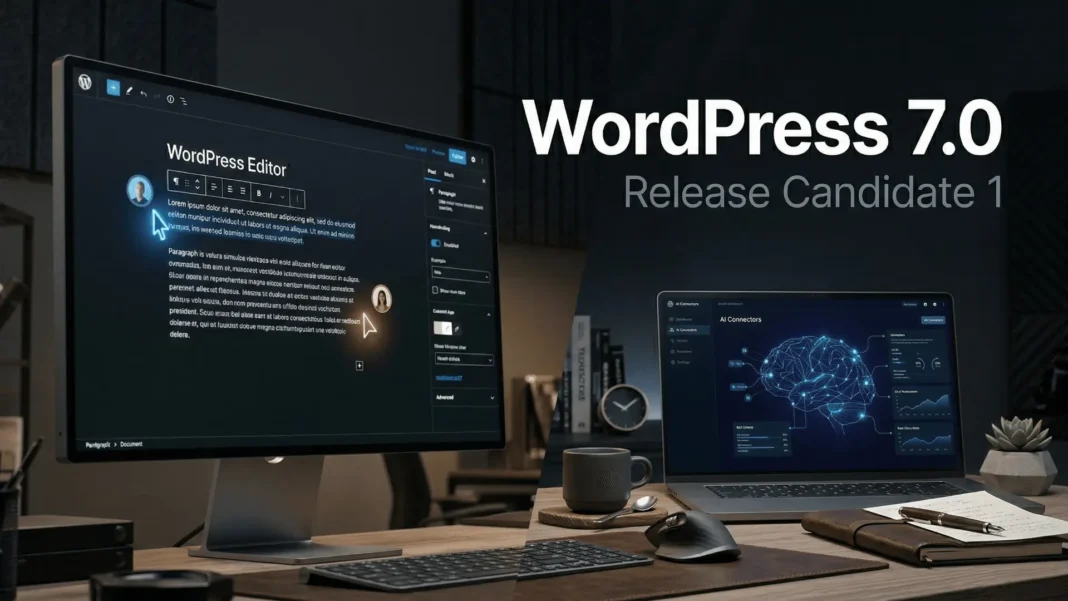
WordPress 7.0 RC1 landed on March 24, 2026, carrying more than 134 fixes over Beta 5 and two headline features the WordPress community has tracked for years: real-time collaborative editing and a native AI connectivity framework. This is not a routine maintenance update. Every site owner, developer, and content team running WordPress needs to understand what changes before April 9 arrives. Here is what RC1 actually delivers, what it still does not ship in core, and how to evaluate it before it reaches your production dashboard.
Real-Time Collaboration: What It Does in RC1
Multiple users can now open the same post or page and edit it simultaneously, with changes visible across all active sessions. For teams that currently draft in Google Docs and copy-paste into WordPress, this removes an entire step from the workflow.
RTC is opt-in by default in RC1 to allow broader feedback and testing. WordPress 7.0 ships a new default HTTP polling sync provider, and plugins or hosts can add WebSocket support on top of that foundation. The RC1 build also includes offline editing and data syncing, plus a keyboard shortcut for creating new notes.
Developers can enable RTC using the new WP_ALLOW_COLLABORATION constant added in this build. RC1 also introduces a session notification toggle so users can control whether they are alerted when other editors join a document.
What this means for you: Indian and US editorial teams using shared WordPress installs now have a native alternative to third-party co-editing plugins. Test RTC on staging before enabling it on any live site.
Web Client AI API: WordPress Meets AI Natively
The AI Connectors Screen is a brand-new admin panel that did not exist in Beta 1. It gives site administrators a single interface to connect external AI providers to their WordPress install. Providers remain external to WordPress core itself.
WordPress 7.0 introduces the Web Client AI API, which acts as a command center for accessing and communicating with generative AI models. The Abilities and Workflows API accompanies it, giving developers a client-side registry for WordPress capabilities with filter and search functionality for abilities and an improved Command Palette.
RC1 also adds a single configuration option to disable all LLM-related features site-wide. This matters for privacy-sensitive deployments, enterprise environments, and any site where administrators want to block AI integrations entirely without touching individual plugin settings.
Important limitation: WordPress 7.0 does not generate content autonomously. The AI infrastructure is foundational. It enables plugin and theme developers to build AI-powered features within a standardized WordPress framework, but those capabilities depend entirely on individual plugin implementations, not WordPress core.
Command Palette, DataViews, and the Refreshed Admin
The Command Palette is now accessible from any wp-admin screen via the admin bar, not just inside the block editor. This closes a navigation gap that has frustrated power users since the Command Palette first shipped.
The admin refresh uses DataViews, which now includes a new activity layout, plus an updated DataForm with a new details layout, new combobox and adaptiveSelect controls, and validation support across all controls and layouts. Cross-document view transitions make navigation feel smoother without breaking backward compatibility with existing plugins.
Revision comparisons now work as visual comparisons to revision versions directly within the editor. This is a meaningful productivity improvement for editorial teams reviewing versioned content, eliminating the need to navigate to a separate revision screen.
New Blocks and Responsive Design Controls
WordPress 7.0 delivers blocks and design capabilities that previously required plugins. These are all confirmed in the official Beta 1 announcement and carry forward into RC1:
- Breadcrumbs Block: Native breadcrumb navigation, a direct SEO benefit for large content sites
- Icons Block: Icon support built directly into the block editor
- Video Backgrounds in Cover Block: Video embeds now work as section backgrounds, removing a common plugin dependency for marketing and landing pages
- Responsive Grid Block: Grid layouts now adapt across screen sizes natively
- Gallery Block Lightbox: Users can click through and view each gallery image in a full lightbox view
- Heading Block Variations: Heading levels are now available as block variations for more control over page hierarchy
The Navigation Block receives an updated editing and presentation workflow in 7.0. It now supports customizable navigation overlays as template parts, including mobile overlays that can be hidden or revealed based on custom breakpoint settings.
Pattern Editing and Responsive Controls
WordPress 7.0 introduces pattern-level editing modes, a tree view for buttons and list blocks, and the ability to opt out of the default content-only mode. Spotlight Mode helps editors isolate content in patterns and notes. Isolated Editor Mode supports editing synced patterns, template parts, and navigation components.
Responsive editing is also more capable in 7.0. Blocks can now be displayed or hidden based on screen size directly from within the editor, without custom CSS or plugin intervention. Block supports include text line indent, text column support, aspect ratios for wide and full images, and dimension presets.
The Font Library screen for managing installed fonts is now enabled for all themes. Previously limited to block themes, this means site editors on classic themes can now browse, install, and organize fonts from the same interface.
Client-Side Media Processing
WordPress 7.0 introduces client-side media processing, leveraging the browser’s own capabilities to handle tasks like image resizing and compression. This reduces demand on the web server and enables the use of more advanced image formats and compression techniques.
Note on RC1 status: The official RC1 announcement confirms that Client Side Media was moved out of core for RC1 via Ticket #GB-76700. The feature was announced in Beta 1 but will not ship as a core feature in WordPress 7.0’s final release. Plugin authors interested in this capability should track its dedicated plugin development.
Developer Tools: PHP Blocks, CodeMirror, and More
WordPress 7.0 introduces PHP-only block registration with auto-generated inspector controls, adding a new path for block creation that does not require JavaScript. Block Bindings updates for pattern overrides expand support to custom dynamic blocks.
CodeMirror has been updated to version 5.65.40, improving extensibility and library options for developers building custom code editing interfaces. The DataViews system also lays a foundation for registering third-party types in future releases.
OPCache now appears inside Site Health > Info > Server in RC1, giving administrators direct visibility into whether PHP OPCache is active without needing a separate plugin or server dashboard access.
How to Test WordPress 7.0 RC1 Before April 9
Testing RC1 before the final release directly reduces the number of post-launch bugs that affect production sites. The WordPress core team specifically requests testing of Real-Time Collaboration and Pattern Editing with content-only Interactivity. Use any of these methods:
- Install the WordPress Beta Tester plugin, select “Bleeding edge” channel and “Beta/RC Only” stream
- Download the RC1 zip directly from WordPress.org and install it on a staging site
- Use WP-CLI:
wp core update --version=7.0-RC1 - Open the WordPress Playground instance in your browser and test immediately with no setup required
Report issues to the Alpha/Beta support forum or directly to Trac with a reproducible bug report. Plugin authors should update their “Tested up to” readme tag to 7.0 after completing compatibility testing.
Limitations and Considerations
Client-side media processing did not make it into WordPress 7.0 core and was moved to a plugin-based path. RTC stability depends on hosting infrastructure; shared hosting environments may experience sync inconsistencies during multi-user sessions. The AI framework requires active API connections to external providers, and any AI usage will carry costs controlled by those providers, not by WordPress. Teams should evaluate actual need before enabling AI features site-wide.

Frequently Asked Questions (FAQs)
What is WordPress 7.0 RC1 and when was it released?
WordPress 7.0 RC1 is the first Release Candidate for WordPress 7.0, published on March 24, 2026. It contains more than 134 fixes and updates since Beta 5. RC1 is a near-final build intended for testing on staging environments before the April 9, 2026 official release.
What is Real-Time Collaboration in WordPress 7.0?
Real-Time Collaboration lets multiple users edit the same WordPress post or page simultaneously. Changes sync across all active editing sessions with offline support included. RTC is opt-in by default in RC1 and can be enabled site-wide using the WP_ALLOW_COLLABORATION constant.
What is the WordPress 7.0 Web Client AI API?
The Web Client AI API is a new core layer in WordPress 7.0 that acts as a command center for connecting generative AI models to WordPress. AI providers remain external to core. Plugin and theme developers use this API to build AI-powered features within a standardized WordPress framework.
Is WordPress 7.0 RC1 safe to install on a live production site?
No. RC1 is a development version intended for staging and test environments only. The WordPress core team explicitly advises against installing any beta or release candidate build on production or mission-critical websites. The stable final release is scheduled for April 9, 2026.
What new blocks does WordPress 7.0 introduce?
WordPress 7.0 adds Breadcrumbs and Icons as new blocks. Existing blocks also receive major upgrades: the Cover block now supports video embed backgrounds, the Grid block is now responsive-enabled, the Gallery block adds lightbox support, and Heading block levels are now available as block variations.
Will WordPress 7.0 break existing plugins?
The DataViews admin refresh and new block APIs are designed for backward compatibility. However, plugins that extend traditional WP List Tables or rely on specific post meta behavior during collaborative sessions may need updates. Plugin authors should complete RC1 compatibility testing and update their “Tested up to” readme tag to 7.0 now.
Does WordPress 7.0 generate AI content automatically?
No. WordPress 7.0 provides infrastructure for AI connectivity, not autonomous content generation. The Web Client AI API enables plugin and theme developers to build AI-powered features within WordPress, but all AI capabilities depend on individual plugin implementations and external provider connections, not WordPress core.
What happened to Client-Side Media in WordPress 7.0?
Client-Side Media was moved out of WordPress 7.0 core in RC1 and will not ship as a built-in feature. It is being developed as a plugin instead. The feature was announced in Beta 1 but required more real-world validation before core inclusion.

