

Quick Brief
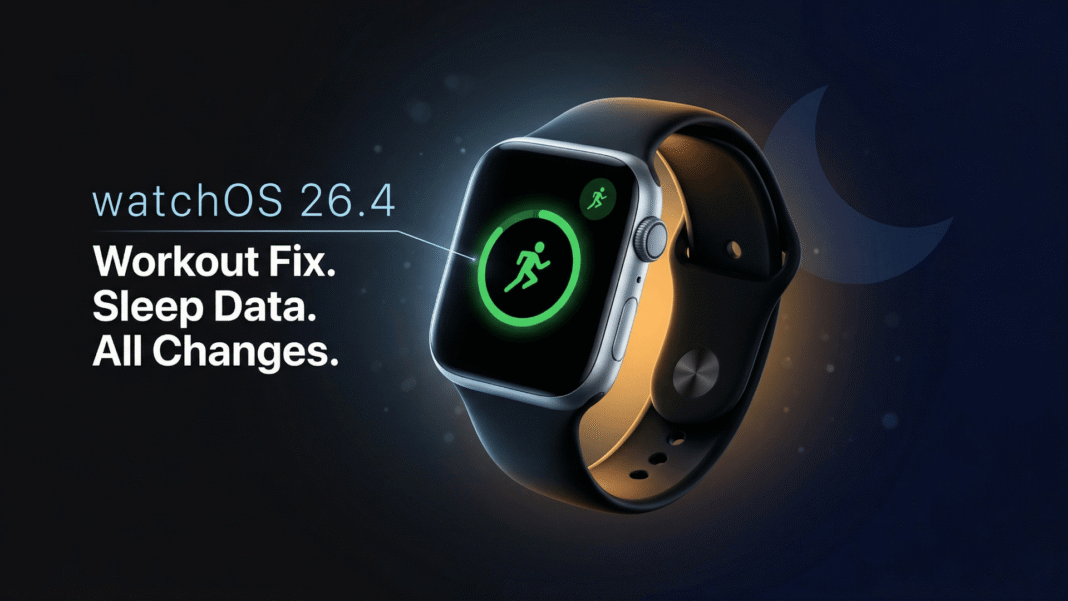
- watchOS 26.4 makes the Workout type icon tappable, allowing single-tap workout start for the first time since watchOS 26.0
- A new Average Bedtime metric is added to Sleep features and syncs to the Health app on iPhone
- Workout Buddy timer delay on session start is resolved in this release
- Apple Maps directions may fail to load on Apple Watch when iPhone is connected, with no fix yet
Apple’s watchOS 26.4 Release Candidate lands with one change that Apple Watch fitness users have requested since watchOS 26 launched: a tappable workout icon that actually starts your workout. It also quietly adds a bedtime consistency metric to sleep tracking. These are not cosmetic changes. Both affect how users interact with their Apple Watch daily.
The Workout App Fix: Single-Tap Start Is Back
The Workout app redesign in watchOS 26 introduced a frustrating regression. The workout type icon, which users expected to tap to begin a session based on years of Apple Watch muscle memory, did nothing. Only the separate play button triggered a workout start, mixing metaphors in a way that confused users who had used Apple Watch for a decade.
Apple’s official watchOS 26.4 release notes state directly: “Workout type icon in the Workout app lets you start a workout with a single tap.” Now the workout icon and the play button both do the same thing: start tracking your workout immediately.
One edge case remains. If you tap the workout icon while the full workout view is still loading, the tap may still be ignored. This affects only users moving through the selection screen quickly enough to catch the list view mid-render. Apple has not addressed this specific sub-case in the 26.4 notes.
Average Bedtime: A New Sleep Metric in watchOS 26.4
watchOS 26.4 adds a new Average Bedtime metric to the Sleep feature set, which syncs directly to the Health app on a paired iPhone. This gives users a pattern-based view of when they consistently fall asleep, separate from sleep duration or quality scores.
Bedtime consistency is a clinically recognized factor in sleep health. Tracking it as a dedicated metric, rather than burying it in session data, surfaces a pattern that single-night snapshots cannot reveal. For users in India navigating variable schedules, late work hours, or festival seasons, this data point adds practical value to the existing Sleep tools.
No manual configuration is required once a device runs watchOS 26.4. The metric populates automatically in the Health app.
Developer Fixes That Affect App Reliability
watchOS 26.4 resolves several issues affecting third-party app performance, all confirmed in Apple’s official release notes.
- Movement Disorder API: Enhanced analytics around database access errors, preventing silent failures in health apps that serve users with Parkinson’s-related conditions
- Networking: A CFRunLoopSource memory leak caused by automatic proxy configuration (PAC) files is resolved, improving background app stability on enterprise or corporate Wi-Fi networks
- StoreKit Resolved: Purchase Intents might not be emitted from the
intentssequence when an app was launched from the background, now fixed - StoreKit New Feature: New fields
revocationTypeandrevocationPercentagehave been added toTransaction, giving developers richer data about purchase revocations - SwiftUI: The
.userActivitymodifier now surfaces the latest activity correctly, fixing a state-tracking gap that could affect continuity between Apple Watch and iPhone - Workout Buddy timer: A delay where the workout timer appeared frozen for a few seconds after session start with Workout Buddy enabled is resolved
Known Issue: Apple Maps Directions on Watch
One known issue documented in the official 26.4 release notes remains unresolved. When a companion iPhone is connected, directions may fail to load on Apple Watch. Apple’s stated workaround is to initiate navigation from the iPhone instead.
This affects users who prefer glanceable turn-by-turn directions on their wrist, particularly walkers and cyclists in dense urban areas where keeping a phone in-pocket is practical. Apple has not confirmed a fix timeline.
Limitations and Considerations
watchOS 26.4 does not introduce new watch faces, Apple Intelligence features, or Siri improvements. The update is a targeted maintenance release focused on Workout app usability, sleep data, and developer-level bug fixes. Users expecting significant feature expansion should note this update’s intentionally narrow scope.

Frequently Asked Questions (FAQs)
What does watchOS 26.4 fix in the Workout app?
watchOS 26.4 makes the workout type icon tappable so users can start a workout with a single tap. Before this update, only the play button triggered a workout start. Now both the icon and the play button launch a workout session identically, per Apple’s official release notes.
What is the Average Bedtime metric in watchOS 26.4?
Average Bedtime is a new Sleep metric added in watchOS 26.4 that tracks the consistent time at which you fall asleep across multiple nights. It syncs automatically to the Health app on a paired iPhone. No setup is required after updating.
Is watchOS 26.4 a major update or a maintenance release?
watchOS 26.4 is a focused maintenance release. It delivers a targeted Workout app fix, a new sleep metric, and developer-level bug resolutions. It does not add new watch faces, Apple Intelligence capabilities, or major UI redesigns.
What is the known bug in watchOS 26.4?
Apple Maps directions may fail to load on Apple Watch when a companion iPhone is connected. Apple’s documented workaround is to start navigation from the iPhone. This issue is acknowledged in the official watchOS 26.4 release notes with no fix date confirmed.
What is the Workout Buddy fix in watchOS 26.4?
Workout Buddy is an Apple Watch feature that provides pacing support during workouts. In versions prior to 26.4, enabling Workout Buddy caused the session timer to appear frozen for a few seconds after starting a workout. This delay is resolved in 26.4.
What StoreKit changes does watchOS 26.4 include?
watchOS 26.4 adds new fields revocationType and revocationPercentage to Transaction in StoreKit. It also fixes a bug where Purchase Intents were not emitted when an app launched from the background, resolving a gap in in-app purchase transaction handling for developers.
Does the Workout icon tap still fail in any scenario in watchOS 26.4?
One edge case remains. If you tap the workout type icon while the full workout view is still loading from the list screen, the tap may be ignored. This affects only users moving very quickly through workout selection. Apple has not specifically addressed this sub-case in the 26.4 notes.

