

Quick Brief
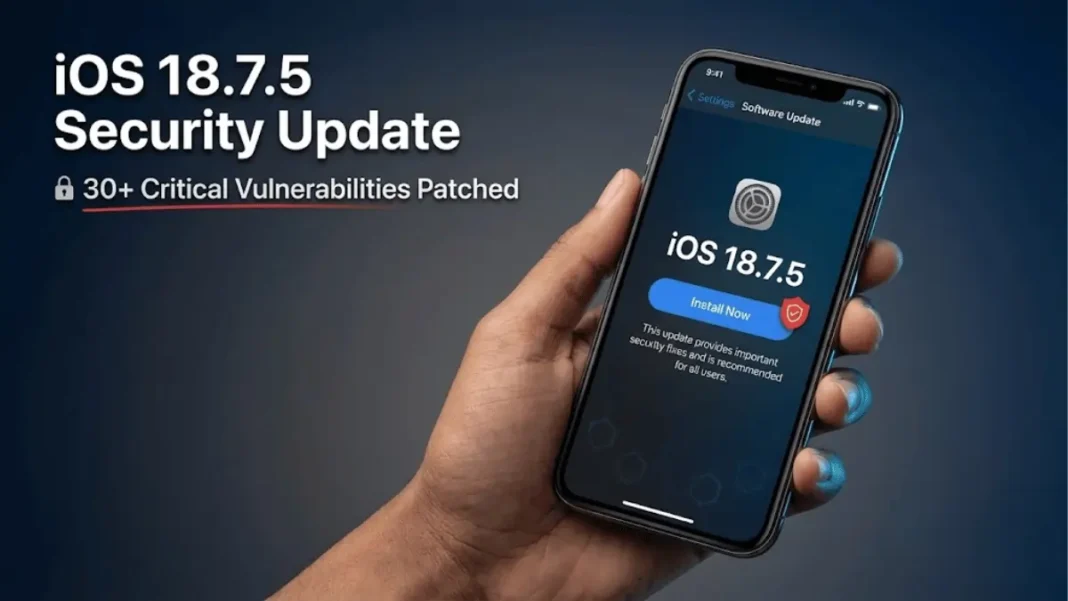
- Apple released iOS 18.7.5 and iPadOS 18.7.5 on February 11, 2026 for older devices
- Update patches 30+ security vulnerabilities including kernel, WebKit, and sandbox issues
- Critical fixes address physical access exploits and network traffic interception risks
- Available exclusively for iPhone XS series, iPhone XR, and iPad 7th generation
Apple released iOS 18.7.5 and iPadOS 18.7.5 on February 11, 2026, delivering essential security patches for devices unable to upgrade to iOS 26. The update addresses more than 30 distinct vulnerabilities across critical system components including the kernel, WebKit browser engine, WiFi stack, and sandbox environment. This maintenance release extends Apple’s security protections to legacy hardware including iPhone XS, iPhone XS Max, iPhone XR, and seventh-generation iPad models.
Critical Security Vulnerabilities Patched
Kernel and Network Security Flaws
iOS 18.7.5 resolves a critical kernel vulnerability (CVE-2026-20671) that allows attackers in privileged network positions to intercept network traffic. Security researchers from multiple institutions including Zhiyun Qian and Mathy Vanhoef discovered this logic flaw, which Apple addressed through improved validation checks. The same vulnerability affected the libnetcore component, requiring coordinated patches across multiple system layers.
Sandbox Escape and Physical Access Exploits
The update fixes a severe sandbox escape vulnerability (CVE-2026-20628) that enabled malicious apps to break out of Apple’s security containment system. Noah Gregory of wts.dev identified the permissions flaw, which Apple mitigated with additional restrictions. Three separate physical access vulnerabilities in Accessibility (CVE-2026-20645), Live Captions (CVE-2026-20655), and VoiceOver (CVE-2026-20661) components were patched to prevent unauthorized viewing of sensitive information from locked devices.
What is the most critical vulnerability fixed in iOS 18.7.5?
The sandbox escape vulnerability (CVE-2026-20628) represents the most severe threat, allowing malicious applications to break containment and access protected system resources. This flaw could enable attackers to steal sensitive data, install persistent malware, or escalate privileges across the device.
WebKit Browser Engine Vulnerabilities
Apple addressed four distinct WebKit vulnerabilities that could cause unexpected process crashes or enable denial-of-service attacks when processing malicious web content. Security researchers HanQing from TSDubhe, Nan Wang, and Nathaniel Oh discovered these memory handling issues (CVE-2026-20608, CVE-2026-20652, CVE-2026-20644, CVE-2026-20635). The fixes improve state management and memory handling to prevent exploitation through crafted websites.

Device Compatibility and Installation
Supported Devices for iOS 18.7.5
iOS 18.7.5 and iPadOS 18.7.5 are exclusively available for devices running iOS 18 that cannot upgrade to iOS 26:
- iPhone XS
- iPhone XS Max
- iPhone XR
- iPad (7th generation)
The update carries build number 22H311 and is recommended for all users on these legacy devices.
Component-Specific Security Fixes
Mail and Messages Privacy Protections
iOS 18.7.5 fixes a logic flaw (CVE-2026-20673) where disabling “Load remote content in messages” did not properly apply to all mail previews. Messages received a critical patch for CVE-2026-20677, addressing a race condition that allowed shortcuts to bypass sandbox restrictions through symbolic link manipulation. Ron Masas of BreakPoint.SH discovered this vulnerability.
Media Processing and Image Handling
The update resolves multiple vulnerabilities in media processing components:
- CoreAudio (CVE-2026-20611): Out-of-bounds access when processing malicious media files
- CoreMedia (CVE-2026-20609): Memory disclosure issue in file processing
- ImageIO (CVE-2026-20634, CVE-2026-20675): Process memory disclosure and user information leaks
- Model I/O (CVE-2026-20616): Out-of-bounds write vulnerability in USD file processing
Trend Micro Zero Day Initiative researchers George Karchemsky and Michael DePlante contributed to discovering several of these flaws.
WiFi and Multi-Touch Security
Apple patched CVE-2026-20621, a WiFi vulnerability that could enable apps to cause system termination or corrupt kernel memory. Wang Yu of Cyberserval identified this memory handling issue. The Multi-Touch component received seven critical patches (CVE-2025-43533 and CVE-2025-46300 through CVE-2025-46305) addressing malicious HID device exploits discovered by Google Threat Analysis Group.
Context: Apple’s February 2026 Security Push
Parallel Updates for Modern Devices
Apple released iOS 18.7.5 alongside iOS/iPadOS 26.3, macOS Tahoe 26.3, macOS Sequoia 15.7.4, and macOS Sonoma 14.8.4 on February 11, 2026. The simultaneous release extended security patches across Apple’s entire device ecosystem, including a critical zero-day vulnerability (CVE-2026-20700) affecting the dyld Dynamic Link Editor on newer devices. This zero-day exploit enabled arbitrary code execution and was actively exploited in sophisticated attacks before Apple’s patch.
Third-Party Security Researcher Credits
Apple acknowledged contributions from 30+ security researchers and organizations including Google Threat Analysis Group, Trend Micro Zero Day Initiative, Route Zero Security, and independent researchers across multiple countries. The collaborative disclosure process allowed Apple to develop patches before public exploitation of most vulnerabilities.
Data Privacy and App Security Enhancements
App Tracking and Privacy Controls
iOS 18.7.5 strengthens privacy protections with fixes for app enumeration (CVE-2026-20663), StoreKit app detection (CVE-2026-20641), and Safari browsing history access (CVE-2026-20656). LaunchServices, StoreKit, and Safari components received improved validation and logging sanitization to prevent apps from discovering installed software or accessing browsing data without permission.
Screenshot and Spotlight Security
Apple addressed CVE-2026-20682, a logic flaw that enabled attackers to recover deleted notes through screenshots. Viktor Lord Härringtón discovered this state management issue. Spotlight received restrictions (CVE-2026-20680) preventing sandboxed apps from observing other applications’ states and accessing sensitive user data.
Installation Best Practices
Pre-Update Checklist
Before installing iOS 18.7.5, users should verify adequate storage space (minimum 10-12 GB free), ensure device connection to reliable WiFi, and back up critical data through iCloud or iTunes. The update process typically requires 15-30 minutes depending on internet speed and device performance. Apple recommends installing security updates within 48 hours of release to minimize exposure windows.
Does iOS 18.7.5 include new features?
No. iOS 18.7.5 is strictly a security maintenance update containing no new features, interface changes, or functional improvements. The release focuses exclusively on patching vulnerabilities and enhancing system security for legacy devices.
Additional Component Fixes
iOS 18.7.5 includes security patches for CFNetwork (CVE-2026-20660), Books (CVE-2025-43537), Shortcuts (CVE-2026-20653), UIKit (CVE-2026-20606), Voice Control (CVE-2026-20605), and the open-source libexpat library (CVE-2025-59375). These fixes address path handling issues, backup file vulnerabilities, parsing errors, privacy bypasses, and denial-of-service risks.
The update also includes Sandbox Profiles (CVE-2026-20678) and Accessibility patches to prevent unauthorized data access through improved authorization and state management. Apple credited researchers Óscar García Pérez, Stanislav Jelezoglo, and Loh Boon Keat for identifying these vulnerabilities.
Frequently Asked Questions (FAQs)
Is iOS 18.7.5 the final update for iPhone XS?
Apple has not announced an end date for iOS 18 security updates. While iOS 26 is the current version, iPhone XS devices typically receive security patches for 1-2 years after losing access to major iOS versions.
Will iOS 18.7.5 slow down my iPhone XR?
No. Security updates typically maintain or slightly improve performance by fixing bugs and memory issues. iOS 18.7.5 focuses on security patches without introducing performance-impacting features.
Can I skip iOS 18.7.5 and wait for the next update?
Security experts strongly recommend installing iOS 18.7.5 immediately. The update patches 30+ vulnerabilities that attackers could exploit to access personal data, intercept network traffic, or compromise device security.
How long does iOS 18.7.5 take to download and install?
Download time varies by internet speed (typically 5-15 minutes on WiFi). Installation requires an additional 10-20 minutes. The total process averages 20-35 minutes from start to completion.
Does iOS 18.7.5 fix battery drain issues?
iOS 18.7.5 is a security-focused update and does not specifically address battery performance. However, memory handling improvements may marginally benefit overall system efficiency.
Are there any known issues with iOS 18.7.5?
Apple has not reported installation problems or bugs in iOS 18.7.5. Users experiencing issues should verify adequate storage space and stable WiFi before attempting installation.
What happens if I don’t install iOS 18.7.5?
Devices remain vulnerable to the 30+ security flaws patched in this update. Unpatched vulnerabilities create risks including data theft, network surveillance, sandbox escapes, and unauthorized access to locked devices.

