

Key Takeaways
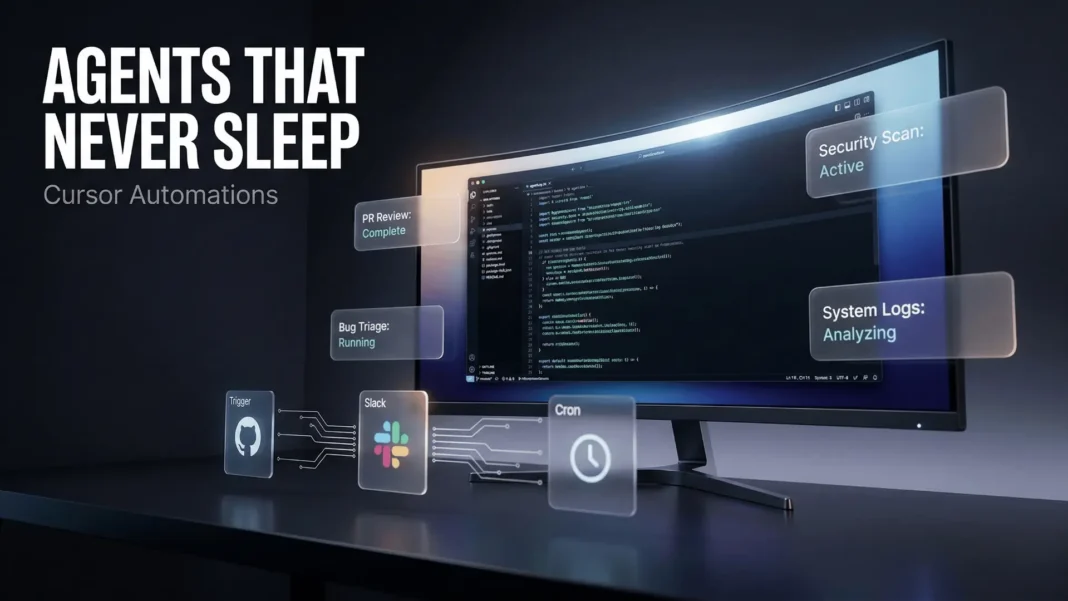
- Cursor Automations launched March 5, 2026, enabling AI agents triggered by GitHub PRs, Slack messages, Linear issues, PagerDuty alerts, cron schedules, and webhooks
- Agents spin up in cloud sandboxes, follow configured instructions, verify their own output, and use a built-in memory tool to improve with each run
- Bugbot, Cursor’s earlier automation, has caught millions of bugs since launch and is triggered thousands of times per day
- Rippling engineers have extended automations to incident triage, weekly status reports, and on-call handoff workflows
Software development has a new bottleneck, and it is not writing code. It is managing the growing volume of review, monitoring, and maintenance work that AI-generated code creates. Cursor Automations solves this by letting agents self-trigger, self-verify, and self-improve, turning a reactive development process into a continuous, event-driven pipeline. This article breaks down exactly how it works, what it does inside a real codebase, and what it means for engineering teams in 2026.
Why Code Review Has Not Kept Up with AI Output
With the rise of coding agents, every engineer can now produce significantly more code. But code review, monitoring, and maintenance have not accelerated at the same rate. Cursor built Automations to address this imbalance directly, scaling the parts of the development lifecycle that manual workflows struggle to handle at volume.
The result is a system where agents do not wait to be summoned. They watch for defined conditions and act when those conditions are met, posting findings to Slack, opening PRs, creating issues, and logging decisions for human review.

What Cursor Automations Actually Does
Cursor Automations lets you configure AI agents that launch automatically based on defined conditions. Built-in triggers include a sent Slack message, a newly created Linear issue, a merged GitHub PR, a PagerDuty incident, and a cron schedule. Custom events can also be configured using webhooks for any internal system.
Once triggered, the agent spins up in an isolated cloud sandbox. It follows your instructions using the MCPs and models you have configured, executes the task, and verifies its own output before completing. A built-in memory tool allows the agent to learn from previous runs and improve with repetition over time.
Trent Haines, Software Engineer at Decagon, described the flexibility: “I love that automations work for both quick wins and more complex workflows. I can schedule the obvious stuff in seconds, but I still have full flexibility to catch any webhook or plug into custom MCPs when I need to.”
The Two Core Automation Categories
Cursor’s own engineering team identified two dominant use cases after running automations internally on their own codebase for several weeks.
Review and Monitoring
These automations watch the codebase and act when something changes. Three examples Cursor uses internally:
- Security review: Triggered on every push to main, audits the diff for security vulnerabilities, skips issues already discussed in the PR, and posts high-risk findings to Slack. This automation has caught multiple vulnerabilities and critical bugs at Cursor.
- Agentic codeowners: On every PR open or push, classifies risk based on blast radius, complexity, and infrastructure impact. Low-risk PRs get auto-approved. Higher-risk PRs get up to two reviewers assigned based on contribution history. Decisions are summarized in Slack and logged to a Notion database via MCP for auditing.
- Incident response: Triggered by a PagerDuty incident, the agent uses the Datadog MCP to investigate logs, scans the codebase for recent changes, and sends a message to the on-call Slack channel with the corresponding monitor message and a PR containing the proposed fix. Cursor reports this has significantly reduced their incident response time.
Chores and Knowledge Work
The second category covers repeating operational tasks that require pulling and stitching together information across different tools.
- Weekly summary of changes: A cron-based automation posts a weekly Slack digest summarizing meaningful repository changes over the past seven days, covering major merged PRs, bug fixes, technical debt, and security or dependency updates
- Test coverage: Every morning, an automated agent reviews recently merged code, identifies areas needing test coverage, follows existing conventions when adding tests, runs relevant test targets, and opens a PR
- Bug report triage: When a bug report lands in a Slack channel, the automation checks for duplicates, creates an issue using Linear MCP, investigates the root cause in the codebase, attempts a fix, and replies in the original thread with a summary
How Rippling Uses Automations
Teams outside Cursor have already started building on the platform. Abhishek Singh at Rippling set up a personal assistant automation that runs throughout his workday. He dumps meeting notes, action items, TODOs, and Loom links into a Slack channel throughout the day. A cron agent runs every two hours, reads everything alongside his GitHub PRs, Jira issues, and Slack mentions, deduplicates across sources, and posts a clean task dashboard.
Singh also runs Slack-triggered automations for creating Jira issues from threads and summarizing discussions in Confluence. These workflows have since been extended across the Rippling team for incident triage, weekly status reports, and on-call handoff. The most useful automations get shared team-wide.
Tim Fall, Senior Staff Software Engineer at Rippling, described the outcome: “Automations have made the repetitive aspects of my work easy to offload. By making automations to round up tasks, deal with doc updates, and respond to Slack messages, I can focus on the things that matter. Anything can be an automation!”
Building the Software Factory
Cursor describes Automations as the foundation of what they call “the factory that creates your software,” a system of cloud agents that use their own computers to build, test, and demo their work continuously. All automations run on top of this cloud agent infrastructure, which Cursor has been scaling since their earlier work on long-running autonomous coding agents.
Tal Peretz, Co-founder of Runlayer, who built on the platform using Cursor Automations with Runlayer MCP and plugins, shared their experience: “We move faster than teams five times our size because our agents have the right tools, the right context, and the right guardrails.”
How Cursor Automations Compares to Alternatives
Cursor Automations occupies a specific niche in the AI coding tool landscape. The table below reflects only confirmed, publicly documented capabilities.
| Feature | Cursor Automations | GitHub Copilot Agent | Notes |
|---|---|---|---|
| Trigger types | PR, Slack, Linear, PagerDuty, cron, webhook | GitHub Issues and PRs | Cursor supports broader event sources |
| Cloud sandbox execution | Yes | Yes | Both run in isolated environments |
| Memory across runs | Built-in memory tool | No persistent memory confirmed | Per Cursor official blog |
| IDE requirement | Cursor standalone IDE | VS Code, JetBrains, web | Copilot works in existing editors |
| Automation templates | Yes, via cursor.com/marketplace | Limited | Cursor provides a template marketplace |
Cursor’s approach requires adopting its standalone IDE, which is the primary trade-off for teams already embedded in VS Code or JetBrains environments. GitHub Copilot integrates into existing editors making it lower friction for established teams, though its automation trigger breadth is narrower.
Limitations and Considerations
Cursor Automations is currently only available inside Cursor’s standalone IDE, which means teams using VS Code, JetBrains, or other editors face a full environment migration. The platform is also relatively new as of March 2026, meaning enterprise-grade audit tooling, access controls, and compliance documentation are still maturing compared to established CI/CD systems.
How to Start Your First Cursor Automation
Getting started requires a Cursor account and access to the Automations platform at cursor.com/automations. Ready-made templates are also available at cursor.com/marketplace under the Automations section.
- Choose a trigger: GitHub PR, Slack event, Linear issue, PagerDuty alert, cron schedule, or custom webhook
- Define agent instructions: specify what the agent should do, which tools it can access, and what output is expected
- Configure MCP connections: connect Slack, Linear, Datadog, Notion, Confluence, or any tools the agent needs
- Select your model: choose from available models depending on task complexity and your configured preferences
- Run a test: trigger manually first to verify output quality before enabling automatic firing
- Monitor and refine: review agent decisions against expected outcomes and adjust instructions based on results
 ChatGPT for Excel Changes How Analysts, Accountants, and Researchers Handle Spreadsheet Work in 2026
Frequently Asked Questions (FAQs)
What are Cursor Automations?
Cursor Automations are trigger-based AI agents that run automatically inside your development workflow. They activate on events like GitHub PRs, Slack messages, PagerDuty alerts, Linear issues, or scheduled timers, completing tasks including code review, bug triage, and test coverage without requiring a human prompt each time.
When did Cursor Automations launch?
Cursor Automations launched on March 5, 2026. The feature was authored by Jack Pertschuk, Jon Kaplan, and Josh Ma at Cursor. It builds on Bugbot, Cursor’s earlier automated review tool, which had already been catching millions of bugs and running thousands of times per day before the broader Automations platform went live.
What triggers can activate a Cursor Automation?
Built-in triggers include a sent Slack message, a newly created Linear issue, a merged or updated GitHub PR, and a PagerDuty incident. Cron schedules let you run agents on a timer. Custom webhooks allow you to connect any internal system or external service as a trigger source.
How does a Cursor Automation agent verify its own output?
When invoked, the agent spins up in a cloud sandbox, follows your configured instructions and MCP connections, and verifies its own output before completing the task. The built-in memory tool also allows the agent to learn from past runs, improving the quality of its output with each repetition over time.
Does Cursor Automations work outside the Cursor IDE?
No. Cursor Automations runs exclusively within the Cursor standalone IDE as of March 2026. Teams using VS Code, JetBrains, or other editors would need to migrate their development environment to Cursor to use the Automations platform.
Where can I find ready-made Cursor Automation templates?
Cursor provides automation templates at cursor.com/marketplace under the Automations section. These templates cover common workflows so teams can deploy standard automations like security review, test coverage, and bug triage without building instructions from scratch.
What is Bugbot and how does it relate to Automations?
Bugbot is Cursor’s original automation. It runs automatically when a PR is opened or updated, is triggered thousands of times per day, and has caught millions of bugs since launch. Cursor describes Bugbot as “in many ways the original automation,” and the new Automations platform extends this same always-on agent concept to fully customizable workflows.

