

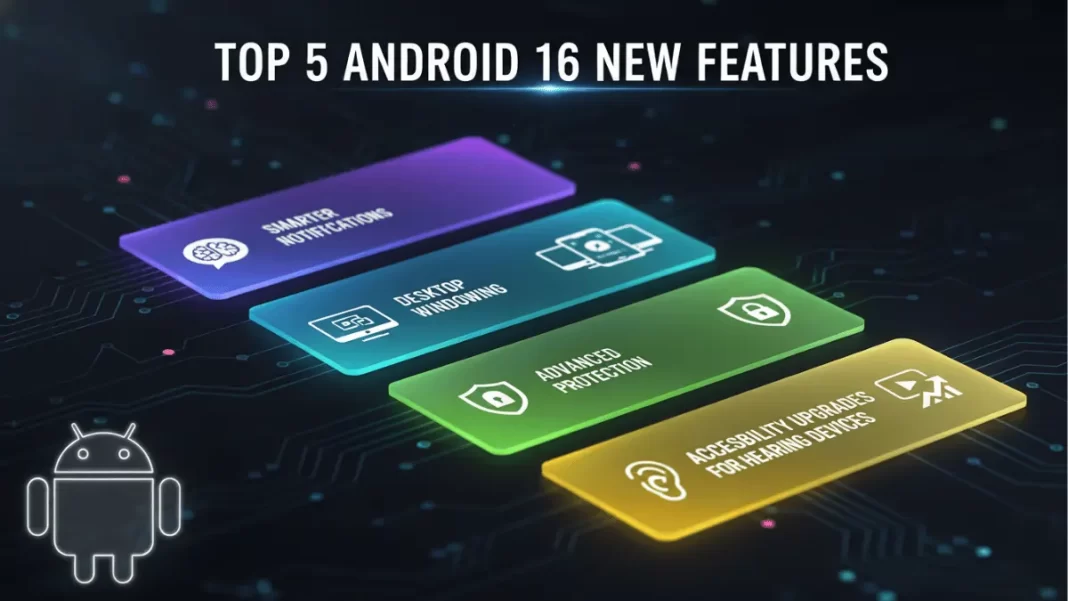
Android 16’s biggest wins are practical: smarter notifications, desktop-style multitasking on big screens, one-tap Advanced Protection, better hearing aid support, and performance/media tweaks like adaptive refresh rate and Ultra HDR. A larger design refresh rolls out through QPR updates later in 2025, so some visuals arrive after the initial release.
Table of Contents
How we picked the top 5
We ranked features by day-to-day impact, rollout reality in 2025, and how easily you can try them without hidden settings. We also call out what’s stable now versus what’s landing in QPR updates (Quarterly Platform Releases).
Smarter notifications you can trust
Android 16 tightens the signal-to-noise ratio. Two changes stand out:
- Live updates: ride-shares, food delivery, and other time-sensitive apps can surface real-time progress in your notifications, so you don’t keep hopping into the app.
- Force-grouping: notifications from the same app are bundled automatically, cutting clutter.
These arrive alongside progress-centric notifications (higher ranking for start-to-finish tasks) and a handy notification cooldown that lowers repeated alert sounds if one app gets noisy. In daily use, it feels calmer without hiding important stuff.
Mini case: You order dinner, call a ride, and get a smart-home camera ping at once. Live updates keep your ETA visible, while grouping collapses all your restaurant promos into one line so the camera alert stays easy to spot.
Desktop windowing for large screens
On tablets and some foldables, desktop windowing lets you open, move, and resize multiple windows in a single view. It’s built for serious multitasking, with taskbar overflow and custom keyboard shortcuts coming this year. External display support is in the mix via QPR work, which is why you’ll see desktop features improve through late 2025. Think: plug into a monitor and treat your tablet more like a laptop.
What it is today: great on large screens, with external display support expanding via QPRs. What it isn’t yet: a full desktop replacement on every phone in every region. We’ll re-test as QPR1/QPR2 finalize.
Security that meets you where you are
Security isn’t just a settings page now. It shows up when you need it.
- Advanced Protection puts Google’s strongest protections in one place: harder account takeovers, better defense against harmful apps and scam calls, and safer browsing signals. One toggle, many shields.
- Identity Check adds location-aware checks, requiring biometrics when you’re outside trusted places to reduce account-takeover risk.
- Local network permission makes apps declare when they need to talk to devices on your Wi-Fi, which improves transparency.
Accessibility upgrades for hearing devices
If you use LE Audio hearing aids, Android 16 is a clear step up. You can switch the call input to your phone’s mic for clearer speech in noisy spaces, adjust ambient volume, and access native hearing device controls from Android itself. It’s less fiddly and sounds better where it counts on calls and in crowded places.
Who benefits most: commuters, call-center workers, anyone who takes calls in busy environments, and students on campus.
Performance and media quality you actually feel
Two improvements hit daily use:
- Adaptive refresh rate (ARR) APIs make it easier for apps to match frame rates, so scrolling and video feel smoother without wasting battery.
- Ultra HDR in HEIC + camera controls: support for Ultra HDR images in HEIC and new APIs for color temperature/tint and hybrid auto-exposure give pros and camera apps better creative control.
Even if you don’t shoot pro video, the platform headroom and more consistent refresh behavior make the UI feel steadier across apps.
What’s still coming in 2025
- Material 3 Expressive: a livelier visual refresh with new components, animations, and background blur. Portions land with QPR1 (from September), and refinements continue after.
- Lock screen widgets on phones: arriving with QPR2 testing then stable later in Q4, bringing glanceable controls back to the lock screen.
Label: these are rolling out in stages and may vary by device and region.
Quick Comparison Android 16 vs Android 15
| Area | Android 15 | Android 16 |
|---|---|---|
| Notifications | Standard grouping, fewer progress tools | Live updates, force-grouping, progress-centric ranking, cooldown for repeated alerts |
| Large screens | Split-screen, limited desktop functionality | Desktop windowing, taskbar overflow, custom shortcuts, external display work via QPRs |
| Security | Ongoing patches, permissions | Advanced Protection, Identity Check, tighter local network permission |
| Accessibility (audio) | LE Audio support | Phone-as-mic, ambient volume control, native device controls |
| Performance/media | General | Adaptive refresh rate APIs, Ultra HDR in HEIC, pro camera controls |
Comparison Table (Pros and Cons)
| Feature | Pros | Cons |
|---|---|---|
| Smarter notifications | Less noise, better real-time tracking | Live updates need app support; rollout per partner. |
| Desktop windowing | Real multitasking on large screens | External display + phones improve via QPRs; device support varies. |
| Advanced Protection + Identity Check | Stronger, simpler security | Some controls may differ by OEM UI. |
| Hearing aid upgrades | Clearer calls, native controls | Requires LE Audio hearing aids and device support. |
| ARR + Ultra HDR + camera controls | Smoother UI, better photos/video | App and hardware support required. |
How to get Android 16
- Pixels: Pixel 6 and newer, plus Pixel Fold/Tablet, Pixel 9 family, and 9a are supported. Check Settings → System → System update.
- Other brands: rollouts vary. Samsung began with recent S and A series; Motorola and others are in staged release. Check your OEM’s update page.
Limitations and things to watch
- Desktop windowing is strongest on large screens. External display support and phone-focused desktop features are still maturing through QPRs.
- Some security and accessibility features depend on hardware and vendor settings, so timing may differ by device.
Frequently Asked Questions (FAQs)
Is Android 16 a big update or a small one?
Functionally meaningful, visually staggered. The biggest UI changes (Material 3 Expressive) roll out via QPRs, while practical wins like notifications, security, and accessibility are live now.
Does Android 16 include Desktop Mode on phones?
Desktop windowing targets large screens first. External display experiences broaden with QPR updates; phone results can vary.
What is Advanced Protection on Android?
It’s Google’s strongest suite against online attacks, harmful apps, unsafe sites, and scams, bundled for easier control.
What exactly changed for hearing aids?
You can route call input to the phone mic, adjust ambient sound, and use native device controls. It’s a real improvement in loud places.
Does Android 16 improve battery life?
Indirectly, yes. ARR APIs help apps align frame rates for smoother motion without wasting power, but results depend on device hardware and app support.
What about photo/video quality?
Ultra HDR in HEIC and new camera controls help advanced shooters and camera apps deliver better results, especially in mixed lighting.

Featured Snippet Boxes
What are the top 5 Android 16 features?
Smarter notifications, desktop windowing on large screens, Advanced Protection security, improved hearing aid support, and performance/media upgrades like adaptive refresh rate and Ultra HDR.
Does Android 16 have a desktop mode?
Yes. Android 16 adds desktop windowing for tablets and foldables, with external display support expanding via QPR updates in 2025. Availability varies by device.
What is Identity Check in Android 16?
Identity Check may require biometrics outside trusted locations to prevent account takeovers, and it pairs with Advanced Protection for stronger, simpler security.
How does Android 16 help hearing aid users?
Users can switch call input to the phone’s mic for clearer speech, adjust ambient volume, and manage devices with native controls in Android settings.

