

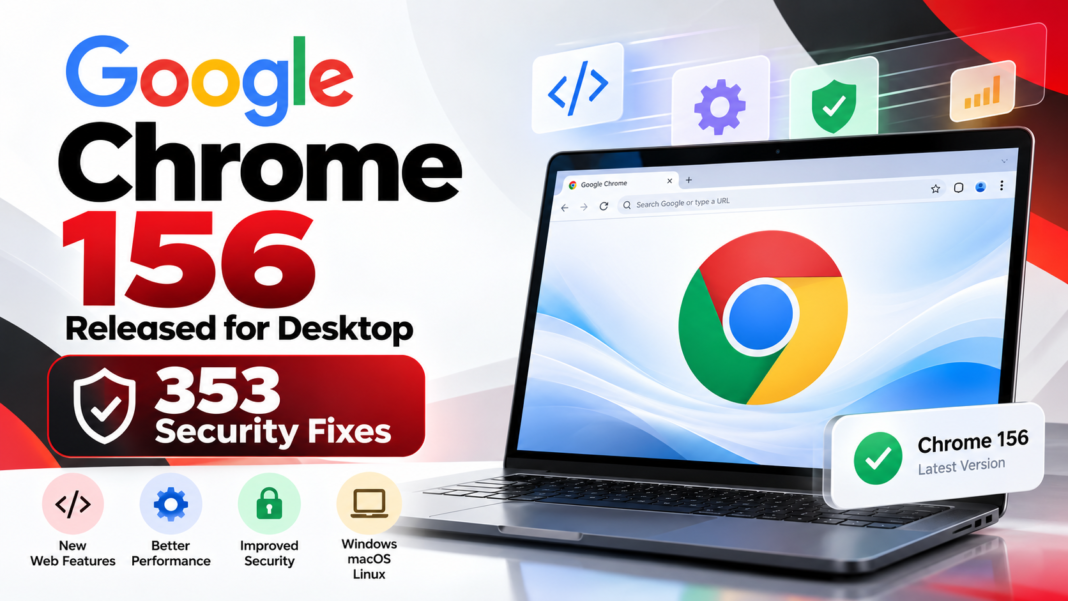
Google Chrome 156 Released With 353 Security Fixes and New Features
Google has released Chrome 156 to the stable channel for Windows, Mac and Linux, bringing a substantial set of security fixes and improvements for desktop users. Announced on October 20, 2026, the release includes 353 security fixes and introduces changes that matter to both everyday users and web developers.
The update is rolling out gradually, so availability may vary by device. Google has published the release details through its official Chrome Releases blog.
The release also brings developments in CSS, browser storage, web application connectivity and scrolling behaviour. These changes could help developers build more flexible web experiences while improving the reliability of browser based applications.
Google Chrome 156: Key Details
- Browser: Google Chrome 156
- Release date: October 20, 2026
- Platforms: Windows, macOS and Linux
- Linux version: 156.0.8078.47
- Windows and macOS versions: 156.0.8078.47 or 156.0.8078.48
- Security fixes: 353
- Availability: Gradual rollout
Google recommends that users keep Chrome updated to receive the latest security protections and browser improvements.
353 Security Fixes Make This a Significant Chrome Update
Security is one of the most important aspects of Chrome 156. According to Google’s release announcement, the update includes 353 security fixes addressing vulnerabilities across browser components.
The listed issues include critical memory corruption vulnerabilities and a use after free vulnerability affecting accessibility functionality. Other reported security issues involve components such as CSS, rendering, WebRTC and site isolation.
Memory corruption and use after free vulnerabilities can create opportunities for attackers when they are successfully exploited. Depending on the affected component and the circumstances, such weaknesses may threaten browser stability or system security.
Google has not published every vulnerability detail for unrestricted access immediately. Some information remains restricted while users receive the fixes, helping limit the risk of exploitation before updates are widely installed.
Why users should care: Running an outdated browser can leave a device exposed to vulnerabilities addressed by newer releases. Installing Chrome 156 as soon as it becomes available is a sensible security measure.

New Features and Improvements in Chrome 156
Beyond security fixes, Chrome 156 introduces several changes for web developers and browser based applications.
1. CSS Gains a Random Value Function
Chrome 156 introduces support for the CSS random() function, allowing developers to generate random values within specified ranges directly in stylesheets.
Previously, developers often relied on JavaScript to calculate random values and apply them to elements. CSS based randomisation can simplify certain visual effects and layout experiments.
Potential applications include:
- Randomised positioning of decorative elements
- Variable dimensions for visual components
- More varied patterns and animations
- Design experiments that require changing visual values
The function also supports caching controls, helping developers determine when generated values should be reused.
This does not mean that CSS replaces JavaScript for every randomisation task. JavaScript remains useful when randomness must influence application logic, data processing or interactions.
2. Page Transitions Can Identify Their Source Element
Chrome 156 adds support for the CSS :navigation-source pseudo class, which identifies the element that initiated a page transition.
For example, a visitor might click a product image, a navigation link or a button to open another page. Developers can use the source element information alongside the View Transitions API to create transitions that respond to the originating element.
This could simplify certain animation patterns and reduce the amount of JavaScript state management required.
Possible use cases include product galleries, image navigation, interactive content cards and transitions between application views.
The actual experience will depend on how developers implement the feature and how the relevant browser APIs are supported.
3. More Precise Control Over Horizontal and Vertical Scrolling
Chrome 156 improves support for single axis scroll containers, giving developers more precise control over horizontal and vertical scrolling.
Developers can use combinations such as overflow: scroll clip to make one axis scrollable while clipping overflow on the other axis.
This can be useful for complex interfaces, particularly data tables that contain many rows and columns.
For example, a business dashboard may need vertical scrolling for records while keeping horizontal overflow clipped. Better control over scroll containers can also help developers manage sticky headers and columns.
The update also introduces the pair keyword for the scroll-snap-type property. It allows developers to coordinate snapping across both axes so that the same element is selected as the target.
These changes could help improve the consistency of scrolling interfaces on supported browsers.
4. JavaScript Modules Can Be Retried After Loading Failures
Chrome 156 changes how failed JavaScript module loads are handled.
Previously, a failed module load could be cached as a failure, causing subsequent attempts to load the same module to fail immediately. Chrome 156 allows retries after certain module loading failures.
This is particularly relevant to applications affected by temporary network interruptions or deployment timing issues.
Potential benefits include:
- Better recovery from temporary network problems
- Fewer persistent failures after an unsuccessful module request
- More resilient browser based applications
Developers should still investigate the root cause of repeated module failures. A retry cannot fix a permanently missing file, incorrect URL or broken deployment configuration.
5. IndexedDB Moves Towards SQLite Based Storage
Chrome 156 changes the internal implementation of IndexedDB for newly created data stores, using SQLite rather than the previous combination of LevelDB and regular files.
IndexedDB is a browser API that allows websites to store structured data locally. It is widely used by web applications that need to retain information between sessions, including offline capable applications.
The storage change is intended to improve reliability, with potential performance benefits.
Existing data stored using the previous implementation will continue to use that method for now. Migration to the new storage approach is planned for a later phase.
Developers do not need to rewrite their applications solely because of this internal change. Google has not changed the IndexedDB API itself in this release.
6. WebTransport Adds HTTP Header Support
Chrome 156 expands WebTransport capabilities by adding support for HTTP request and response headers.
WebTransport enables communication between web applications and servers. The new functionality allows applications to provide custom request headers during connection establishment and access response headers through the WebTransport instance.
This can help developers exchange metadata, authentication information and other connection related details.
Potential applications include real time communication systems, interactive services and applications that require more control over their network connections.
Developers should still follow appropriate authentication and security practices when transmitting sensitive information.
7. WebGPU Receives a Shader Processing Improvement
Chrome 156 also introduces an extension related to fragment depth handling in the WebGPU Shading Language, or WGSL.
The change is intended to help graphics processing systems preserve certain GPU optimisation opportunities when fragment shaders write depth values.
However, the feature was temporarily disabled across platforms on October 21, 2026, because of shader compilation errors on Windows.
Developers working with WebGPU should therefore verify the feature’s current availability before relying on it in production applications.
Additional Browser Changes
Chrome 156 includes other platform level improvements, including changes to Compression Dictionary Transport and WebRTC diagnostic logging.
Compression Dictionary Transport changes how requests for compression dictionaries are handled, with a dedicated request destination for resources referenced through the relevant link relation.
The WebRTC Diagnostic Logging API also receives functionality intended to help authorised applications collect diagnostic information and share it with browser vendors with user permission.
Google is also continuing to phase out Fenced Frames functionality. In Chrome 156, the relevant element and associated APIs remain as empty implementations for compatibility, while further removal is planned for later releases.
These changes are particularly relevant to developers maintaining browser integrations and applications that depend on emerging web platform APIs.
How to Update Google Chrome to Version 156
Windows, Mac and Linux users can check whether Chrome 156 is available on their devices.
Follow these steps:
- Open Google Chrome.
- Select the three dot menu in the upper right corner.
- Navigate to Help.
- Select About Google Chrome.
- Allow Chrome to check for and download available updates.
- Relaunch the browser if prompted.
If Chrome does not show version 156 immediately, the rollout may not have reached the device yet. Check again later.
Users should download Chrome only through Google’s official channels and avoid third party installers that may contain unwanted software.
What Chrome 156 Means for Web Developers
Chrome 156 introduces changes that developers should evaluate when testing modern web applications.
Teams working on front end interfaces can explore the new CSS randomisation function, navigation source detection and scrolling behaviour. Developers maintaining offline capable applications should continue testing IndexedDB operations, particularly in scenarios involving large datasets or persistent browser storage.
Applications that use WebTransport, WebGPU or WebRTC should also undergo compatibility testing before the new functionality is adopted in production.
Recommended checks include:
- Test key pages and workflows after browser updates.
- Verify scrolling, sticky positioning and scroll snapping.
- Review JavaScript module loading and error recovery.
- Test IndexedDB reads, writes and offline functionality.
- Check browser compatibility before using newly introduced APIs.
- Monitor browser console errors and application performance.
These steps can help identify compatibility issues before they affect customers.
Frequently Asked Questions
What is the latest Google Chrome desktop version announced in this release?
Google announced Chrome 156 for Windows, macOS and Linux on October 20, 2026.
How many security fixes does Chrome 156 include?
Google’s official release announcement lists 353 security fixes.
Is Chrome 156 available for Windows and Mac?
Yes. The stable release covers Windows and macOS, as well as Linux. The rollout is gradual, so availability may differ between devices.
Do users need to change their websites because IndexedDB now uses SQLite?
No API change is announced for IndexedDB in this release. Existing applications should continue to use the same API, although developers should test their applications as part of normal browser compatibility checks.
What is the CSS random() function used for?
It allows developers to generate random values within specified ranges in CSS, supporting certain visual and layout effects without requiring JavaScript for the value generation itself.
How can I check whether Chrome is updated?
Open Chrome, navigate to Help and select About Google Chrome. The page displays the installed version and checks for available updates.

Conclusion
Google Chrome 156 is a substantial desktop browser release, combining 353 security fixes with changes to CSS, page transitions, scrolling, JavaScript module recovery, IndexedDB and WebTransport.
For everyday users, the most important step is to install the update when it becomes available. For developers, the release offers new capabilities to explore alongside compatibility testing for existing web applications.
Chrome 156 also demonstrates how browser updates increasingly affect not only security but also the way websites manage data, render interfaces and communicate with servers.

