

Quick Brief
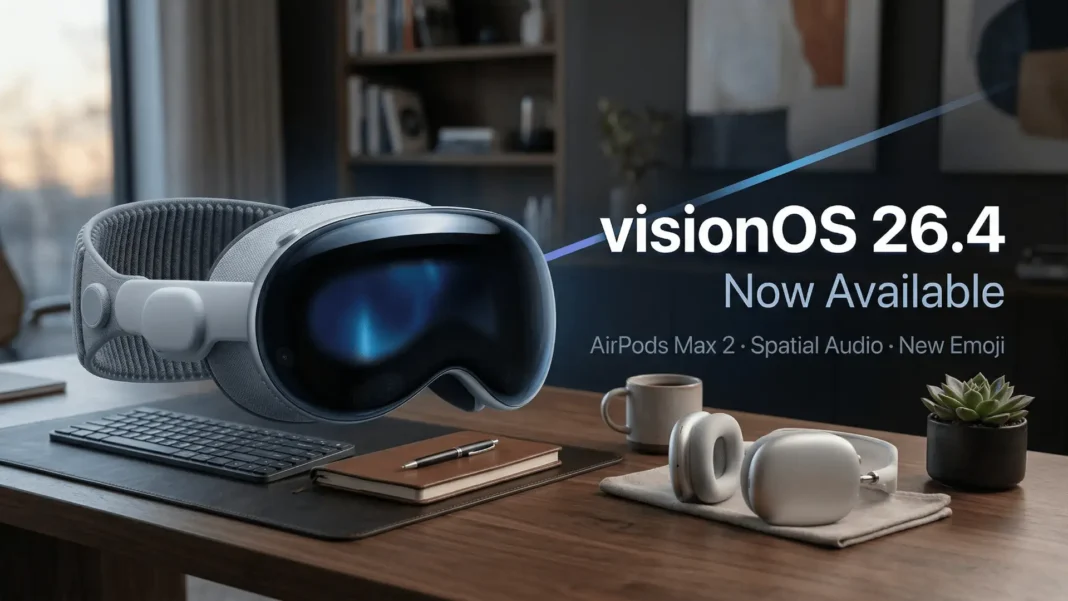
- visionOS 26.4 (build 23O247) released March 24, 2026, recommended for all Vision Pro users
- AirPods Max 2 support added natively to Vision Pro with this update
- Spatial Audio now starts faster by remembering acoustic properties of rooms visited before
- Eight new emoji added including orca, trombone, landslide, ballet dancer, and distorted face
Apple released visionOS 26.4 on March 24, 2026, arriving 1.5 months after visionOS 26.3, which shipped on February 11, 2026. This update delivers three concrete platform improvements alongside security and bug fixes: native AirPods Max 2 hardware support, a meaningful upgrade to how Spatial Audio behaves in familiar environments, and eight new emoji characters. None of these require configuration changes; they activate automatically after updating.
AirPods Max 2 Now Work With Vision Pro
The most hardware-relevant addition in visionOS 26.4 is native support for AirPods Max 2, Apple’s second-generation over-ear headphones. Prior to this update, AirPods Max 2 users connecting to Vision Pro operated without the optimizations Apple builds into first-party audio pairing. With visionOS 26.4, that support is formalized at the operating system level, meaning Vision Pro can now recognize and utilize AirPods Max 2‘s H2 chip capabilities during spatial experiences.
AirPods Max 2 are available for pre-order as of March 25, 2026, with availability expected in early April 2026. For users planning to pair the new headphones with Vision Pro from day one, updating to visionOS 26.4 before the headphones arrive is the correct preparation step.
What the AirPods Max 2 Support Means in Practice
The H2 chip inside AirPods Max 2 enables lower-latency audio processing, which is relevant in a spatial computing context where audio positional accuracy must align tightly with visual cues. visionOS 26.4 ensures Vision Pro can negotiate this hardware handshake. Users in both the US and India who purchase AirPods Max 2 on launch will receive the full intended experience without waiting for a follow-up patch.
Spatial Audio Gets Smarter in Familiar Rooms
The second core improvement in visionOS 26.4 addresses one of the more subtle friction points in the Vision Pro experience: Spatial Audio initialization time. Apple’s release notes state that “Spatial Audio starts faster in familiar spaces by remembering the acoustic properties of rooms you’ve been in before.”
This means Vision Pro now builds and stores a per-room acoustic profile. When you return to a known space, the system skips the cold-start measurement phase and applies the cached acoustic model immediately. For users who have a primary workspace or living room where they use Vision Pro daily, this results in audio that sounds correctly positioned from the first moment of a session rather than after a brief calibration delay.
Considerations for This Feature
The acoustic memory feature relies on the headset having been used in the same physical space previously. First-time use in any new room will still follow the standard Spatial Audio initialization process. Apple has not disclosed how many room profiles Vision Pro stores, or whether profiles persist across factory resets. These details are not documented in the current visionOS 26.4 release notes.
Eight New Emoji in visionOS 26.4
Apple added eight new emoji characters to Vision Pro with this update. The complete list, as stated in Apple’s official release notes, includes: distorted face, fight cloud, landslide, ballet dancer, treasure chest, trombone, orca, and hairy creature. These additions are Unicode Consortium-approved characters and ship simultaneously across iOS 26.4, iPadOS 26.4, macOS 26.4, tvOS 26.4, and watchOS 26.4.
The new emoji appear in the standard emoji keyboard on Vision Pro and are immediately available in any app that supports the system emoji input panel.
visionOS 26.4 Feature Overview
| Feature | Status in visionOS 26.3 | Status in visionOS 26.4 |
|---|---|---|
| AirPods Max 2 support | Not available | Added |
| Spatial Audio room memory | Not present | Remembers acoustic profiles |
| New emoji characters | Previous Unicode set | +8 new characters |
| Bug fixes and security | Standard | Included |
| Build number | Previous build | 23O247 |
| Release date | February 11, 2026 | March 24, 2026 |
How to Install visionOS 26.4
Remove the Vision Pro headset and set it down. On the headset, go to Settings > General > Software Update. The update carries build number 23O247 and is listed as recommended for all Vision Pro users. During installation, a software progress bar displays on the exterior EyeSight panel so you can monitor progress without wearing the device. The update is free and available globally.
Frequently Asked Questions (FAQs)
What is new in visionOS 26.4?
visionOS 26.4 introduces AirPods Max 2 support for Apple Vision Pro, faster Spatial Audio initialization in familiar rooms via acoustic room memory, and eight new emoji characters. It also includes standard bug fixes and security improvements. Apple released this update on March 24, 2026.
What is the build number for visionOS 26.4?
The visionOS 26.4 stable release carries build number 23O247. This is the fourth point update to visionOS 26, which originally launched in September 2025.
Does visionOS 26.4 support AirPods Max 2?
Yes. visionOS 26.4 adds native support for AirPods Max 2 at the operating system level. AirPods Max 2 feature the H2 chip and are scheduled to launch in early April 2026. Users should update to visionOS 26.4 before pairing to ensure full hardware compatibility from day one.
How does Spatial Audio room memory work in visionOS 26.4?
Vision Pro now stores the acoustic properties of rooms where you have previously used the headset. When you return to a known room, Spatial Audio initializes immediately using the stored profile rather than performing a new calibration. The improvement requires prior use in a given space; first visits to new rooms still follow standard initialization.
What new emoji were added in visionOS 26.4?
The eight new emoji added in visionOS 26.4 are: distorted face, fight cloud, landslide, ballet dancer, treasure chest, trombone, orca, and hairy creature. These are consistent with emoji additions across iOS 26.4, iPadOS 26.4, macOS 26.4, tvOS 26.4, and watchOS 26.4.
When was visionOS 26.4 released?
Apple released visionOS 26.4 on March 24, 2026. It arrived 1.5 months after visionOS 26.3, which shipped on February 11, 2026. Beta testing began on February 16, 2026.
Is visionOS 26.4 recommended for all Vision Pro users?
Yes. Apple explicitly recommends visionOS 26.4 for all Vision Pro users, citing bug fixes, security improvements, and the new features listed in the release notes.
How do I install visionOS 26.4 on Apple Vision Pro?
Remove the headset, then navigate to Settings > General > Software Update on the device. Select the visionOS 26.4 update and confirm installation. A progress bar on the exterior EyeSight display shows installation status while the headset updates. No developer account is required.

