

Key Takeaways
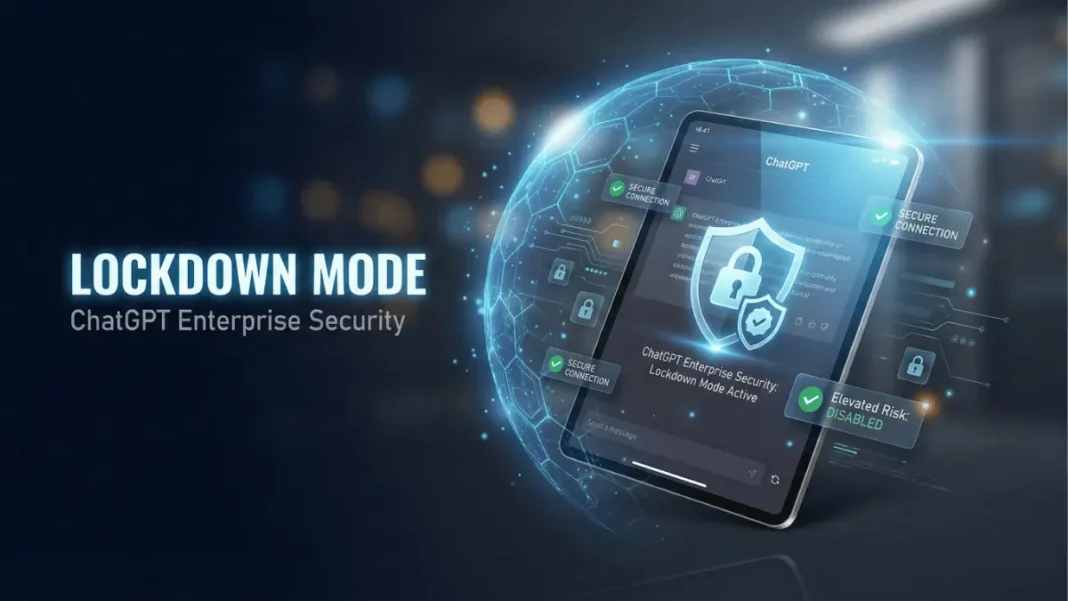
- Lockdown Mode disables network-based features to prevent data exfiltration via prompt injection
- Elevated Risk labels now standardized across ChatGPT, Atlas, and Codex platforms
- Available exclusively for Enterprise, Edu, Healthcare, and Teachers plans starting February 2026
- Web browsing limited to cached content only no live requests leave OpenAI’s network
OpenAI has fundamentally redefined enterprise AI security with two critical protections announced February 13, 2026. As conversational AI systems handle sensitive organizational data, prompt injection attacks where malicious actors trick AI into revealing confidential information have emerged as a significant security concern. Lockdown Mode and Elevated Risk labels represent OpenAI’s response to vulnerability research showing external content can contain hidden instructions that compromise AI systems. These features prioritize security over convenience for organizations where data compromise carries serious consequences.
What Is Prompt Injection and Why It Matters
Prompt injection attacks manipulate AI systems into executing unauthorized commands embedded in external content. When ChatGPT browses a compromised website or accesses a malicious document, hidden instructions can override user intent.
The attack vector exploits how large language models process all text including adversarial content as potential instructions. OpenAI states that adversaries use these techniques to mislead conversational AI into revealing confidential details. Third parties can embed malicious instructions in websites, documents, or connected apps that ChatGPT accesses.
What makes prompt injection attacks dangerous?
Prompt injection attacks bypass traditional security controls because they exploit the AI’s core function of understanding and executing natural language commands. Once triggered, these attacks can extract conversation history, connected app data, or sensitive organizational information without user awareness. OpenAI’s February 2026 announcement identifies these attacks as a key threat to AI-powered workflows involving external content.
Lockdown Mode: How It Protects Enterprise Users
Lockdown Mode implements deterministic restrictions on ChatGPT’s external system interactions. Designed for executives, security teams, and high-risk roles at prominent organizations, this optional setting eliminates attack surfaces that prompt injection exploits.
The mode disables capabilities that cannot provide “strong deterministic guarantees of data safety”. Web browsing functionality shifts to cached-only content no live network requests leave OpenAI’s controlled network. This architecture prevents adversaries from using browsing as an exfiltration channel.
Technical Implementation Details
ChatGPT Enterprise, Edu, Healthcare, and Teachers plan administrators activate Lockdown Mode through Workspace Settings by creating specialized roles. The feature layers additional restrictions atop existing admin configurations.
Workspace admins retain granular control over which apps and specific actions remain available in Lockdown Mode. The Compliance API Logs Platform provides visibility into app usage, shared data, and connected sources. OpenAI plans consumer availability in the coming months following the enterprise rollout.
Elevated Risk Labels: Transparency for Security Decisions
Elevated Risk labels standardize in-product warnings for features introducing unresolved security vulnerabilities. ChatGPT, ChatGPT Atlas, and Codex now display consistent labels across network-related capabilities.
In Codex, developers granting network access see Elevated Risk notifications explaining what changes, introduced threats, and appropriate use cases. The label system acknowledges that connected AI delivers more value while accepting that some users may choose additional risk exposure.
OpenAI commits to removing labels as security advances mitigate identified threats. The company will update labeled features over time to reflect evolving risk landscapes.
Comparison with Standard ChatGPT Security
| Security Feature | Standard ChatGPT Enterprise | Lockdown Mode |
|---|---|---|
| Web Browsing | Full internet access | Cached content only |
| Network Requests | Enabled for tools | Blocked outside OpenAI network |
| Connected Apps | Admin-controlled access | Granular per-action restrictions |
| Data Training | Never used for training | Never used for training |
| Encryption | TLS 1.2+ and AES-256 | TLS 1.2+ and AES-256 |
Who Should Enable Lockdown Mode
OpenAI explicitly states Lockdown Mode is “not necessary for most users”. The feature targets executives and security teams at prominent organizations who work with highly sensitive information. Target users include:
- C-suite executives handling merger negotiations or strategic planning
- Security teams analyzing threat intelligence or vulnerability reports
- Legal departments reviewing confidential litigation documents
- Research teams working with proprietary pre-publication data
- Government contractors managing classified or controlled information
Organizations must balance productivity impact against threat exposure. Lockdown Mode disables features many workflows depend on, creating friction for users expecting full ChatGPT capabilities.
How does Lockdown Mode affect ChatGPT performance?
Lockdown Mode does not reduce ChatGPT’s language understanding or response quality. The model’s conversational abilities, reasoning, and text generation remain unchanged. However, features requiring external connections become restricted or unavailable. Web browsing accesses only cached pages instead of live internet content. Some tools are disabled entirely when OpenAI cannot guarantee deterministic data safety. Performance impacts relate to feature availability, not model intelligence.
Existing Protections That Lockdown Mode Builds Upon
OpenAI’s multi-layer defense predates Lockdown Mode. Existing safeguards include sandboxing to isolate execution environments, protections against URL-based data exfiltration, continuous monitoring with enforcement mechanisms, and enterprise controls featuring role-based access plus audit logs.
ChatGPT Enterprise already provides SOC 2 compliance and GDPR alignment. Data encryption uses TLS 1.2+ for transit and AES-256 for storage. Business data never trains OpenAI’s models, ensuring organizational inputs and outputs remain proprietary.
Lockdown Mode enhances this foundation by addressing prompt injection specifically through external system constraints.
Implementation Best Practices for Organizations
Deploy Lockdown Mode using a phased approach. Identify highest-risk roles first typically executives with access to strategic plans, security personnel handling incident response, or compliance teams managing regulated data.
Create dedicated roles in Workspace Settings before enabling restrictions. Configure granular permissions for apps and actions users require. Monitor Compliance API Logs to verify security controls function as intended.
Combine Lockdown Mode with zero-trust security models: enforce SAML-based SSO, require multi-factor authentication, and apply least-privilege role assignments. Deploy monitoring tools to capture prompts and responses for insider risk detection.
Limitations and Trade-Offs
Lockdown Mode sacrifices functionality for security. Users lose real-time web research capabilities, limiting ChatGPT’s ability to provide current information. Connected app functionality requires admin approval for each action, which may create workflow delays.
Some workflows face constraints in Lockdown Mode. Market research requiring live competitor website analysis, customer support needing real-time knowledge base queries, or development tasks pulling current API documentation experience reduced functionality.
Organizations must evaluate whether threat models justify these trade-offs. Companies without sophisticated adversaries capable of executing prompt injection attacks may find standard enterprise security sufficient.
The Broader AI Security Landscape in 2026
OpenAI’s December 2025 cybersecurity assessment warned upcoming models pose “high” risk, potentially developing zero-day exploits or assisting complex intrusion operations. The company deploys access controls, infrastructure hardening, egress controls, and monitoring to counter these threats.
Prompt injection represents one threat vector in an expanding attack surface. As AI systems gain autonomy and internet connectivity, security architectures must evolve beyond traditional perimeter defenses.
Lockdown Mode acknowledges this reality. By offering optional restrictions, OpenAI empowers organizations to set security boundaries matching their risk tolerance.
Considerations for Decision-Makers
Organizations deploying Lockdown Mode should acknowledge productivity trade-offs. The feature restricts real-time web access and connected app functionality that many teams rely on for daily operations.
For startups and mid-market companies without sophisticated adversaries, standard ChatGPT Enterprise security may provide sufficient protection. Organizations should assess their specific threat landscape and determine whether prompt injection risks warrant the operational constraints Lockdown Mode introduces.
Frequently Asked Questions (FAQs)
What is ChatGPT Lockdown Mode?
Lockdown Mode is an optional security setting that restricts ChatGPT’s external system interactions to prevent prompt injection attacks. It disables network-based features like live web browsing and limits connected apps to admin-approved actions. Available exclusively for Enterprise, Edu, Healthcare, and Teachers plans starting February 2026.
How do Elevated Risk labels work in ChatGPT?
Elevated Risk labels appear on features introducing unresolved security vulnerabilities across ChatGPT, Atlas, and Codex. Labels explain what risks the feature introduces and when usage is appropriate. OpenAI removes labels as security advances mitigate identified threats.
Can individual users enable Lockdown Mode?
Currently, only workspace administrators on Enterprise, Edu, Healthcare, and Teachers plans can enable Lockdown Mode by creating specialized roles. OpenAI plans to make the feature available to consumer users in the coming months following the February 2026 enterprise launch.
Does Lockdown Mode prevent all prompt injection attacks?
Lockdown Mode eliminates data exfiltration through external system interactions by restricting network requests and connected app access. It provides deterministic guarantees against specific attack vectors but works alongside other protections like sandboxing and monitoring for comprehensive security.
What features stop working in Lockdown Mode?
Web browsing is limited to cached content with no live internet requests leaving OpenAI’s controlled network. Tools requiring external network connections may be disabled entirely. Connected apps require granular admin approval for specific actions. Features losing functionality depend on admin configuration choices.
How does Lockdown Mode compare to standard enterprise security?
Standard ChatGPT Enterprise provides encryption, SOC 2 compliance, role-based access, and model training exclusions. Lockdown Mode adds prompt injection-specific protections by constraining external system interactions. It represents an additional security layer, not a replacement for existing controls.
When should organizations enable Lockdown Mode?
Organizations should enable Lockdown Mode for roles handling highly sensitive data where prompt injection poses significant risk. OpenAI states the feature is designed for executives and security teams at prominent organizations. Most users do not require this level of restriction.
Are there performance penalties with Lockdown Mode?
Lockdown Mode does not affect ChatGPT’s language model performance or response quality. Limitations relate to feature availability rather than model capabilities. Users experience reduced functionality for network-dependent tasks but unchanged conversational abilities.

